When Scheduling Goes Wrong
A plumbing company sends a technician 45 minutes across town for a job that was already canceled. The cancellation was recorded in the call log but never updated in the scheduling system. The technician spent 90 minutes driving to and from a job that never happened.
Multiply this by 2–3 times per week. That's 6–9 wasted tech-hours, plus the gas and vehicle wear. The root cause: scheduling data in two places that didn't talk to each other.
The Four Scheduling Data Problems
1. Cancellations not reflected in the schedule Customer cancels by phone. The call is logged. The appointment is not removed from the schedule. Tech shows up to an empty house.
2. Double bookings Two people (or two systems) book the same technician at the same time. Discovered when the tech calls to confirm and realizes they have two jobs at 9am.
3. Wrong address on the schedule Customer's address was updated in the customer record but not on the existing scheduled appointment. Tech goes to the old address.
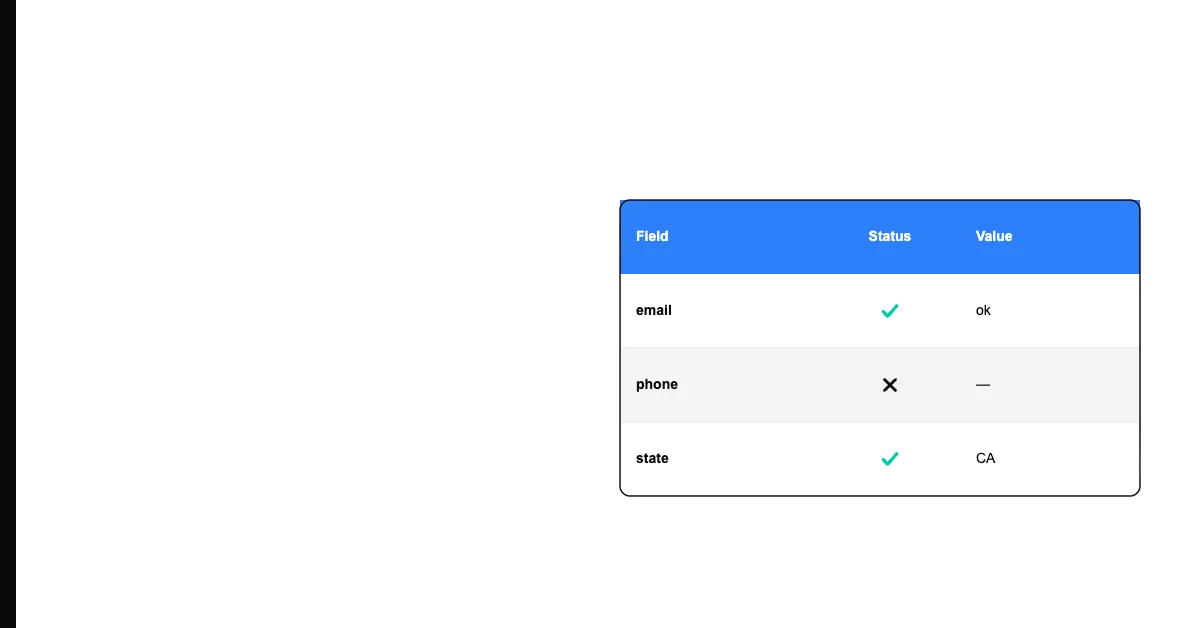
Sohovi finds gaps, duplicates, and format errors in your CRM data — so your team is working from records they can trust.
4. Service type mismatch Customer needs a 3-hour job. Booked for a 1-hour slot. The next job is now 2 hours late, creating a cascade of delays and unhappy customers.
Finding Scheduling Data Problems
Run a weekly review of the upcoming 2 weeks of schedule:
Cancellation check: Compare your call log / cancellation emails to the schedule. Any canceled appointments still on the books?
Conflict check: For each technician, does the schedule have any overlapping time blocks?
Address verification: For every appointment, does the address on the appointment match the current address in the customer record?
Duration check: Does the booked time match the expected duration for the service type?
This review takes 30–45 minutes and prevents most scheduling disasters.
Fixing the Root Causes
Cancellations: Create a clear cancellation workflow — whoever takes the cancellation updates the schedule in the same action. Not later. Now.
Double bookings: Use scheduling software with conflict detection. Google Calendar, Jobber, and Housecall Pro all prevent double bookings if you use them correctly. The problem is usually people working outside the system.
Wrong addresses: Update the appointment when you update the customer record — or better, link the appointment to the live customer record so address changes propagate automatically.
Duration estimates: Build service type duration standards. "Basic cleaning: 2 hours." "HVAC tune-up: 1.5 hours." Train your booking staff on these standards and require a duration selection when booking.
Scheduling Data Doesn't Live in Isolation
Scheduling conflicts are frequently downstream of the same root cause as inaccurate job-time and payroll data — two systems (or two people) updating records independently, without a single source of truth. If your weekly schedule review keeps turning up the same address or duration mismatches, profile your customer and job exports directly in Sohovi to find every stale or conflicting record at once, instead of catching them one appointment at a time.