When Field Data Goes Wrong
Your tech clocks in at the office at 8am and clocks out at 5pm. But he drove to 4 jobs, including one that was a 90-minute drive each way. How long was he actually at each job? How much of his time was drive time? Did job 3 take longer than expected, and if so, why?
Without accurate job-level time data, you can't answer any of these questions. That means you can't calculate true job profitability, identify which jobs or technicians are most efficient, or make accurate estimates for future jobs.
The Four Types of Time Data You Need
1. Clock-in and clock-out per job: Not just for the day — per job. What time did the tech arrive at the customer's location? What time did they leave?
2. Drive time: Time spent driving between jobs. This is a real cost (vehicle, fuel, tech time) that needs to be tracked separately from job time.
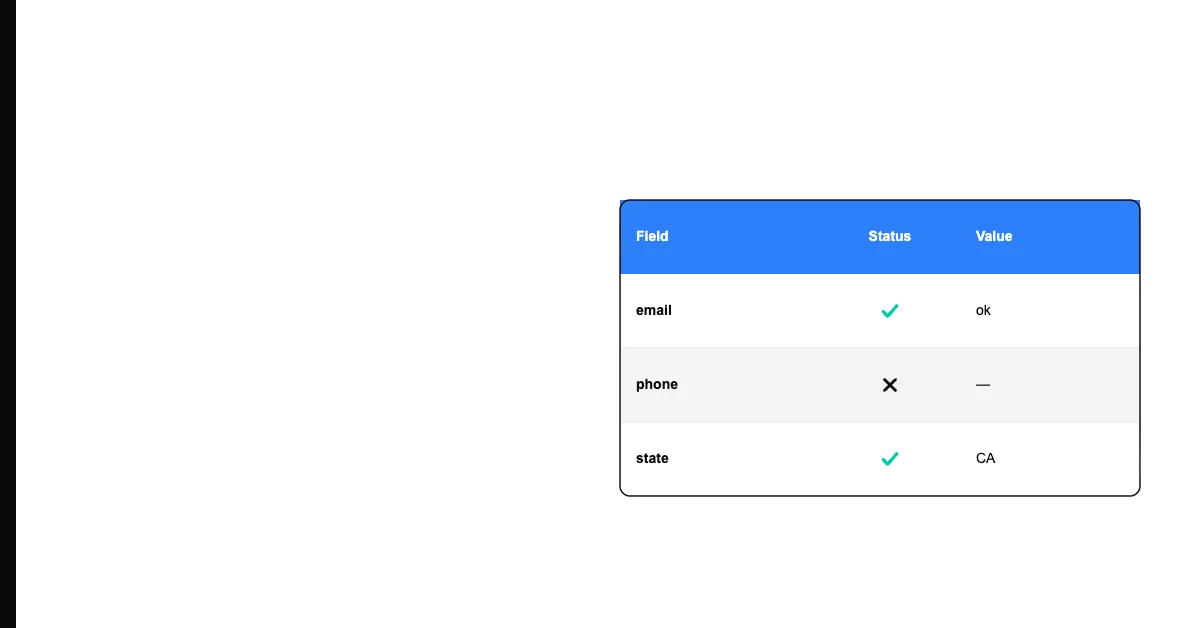
Sohovi gives you the data quality picture you need to make the case for fixing it — and to track improvement over time.
3. Break time: Legally required in many jurisdictions. Tracked separately from job and drive time.
4. Non-billable time: Travel to the supply house, picking up materials, administrative tasks. Real time, real cost, but not billable to a customer.
Mobile Time Tracking for Field Teams
The best time capture for field teams is GPS-enabled mobile apps that:
- Allow clock in/out with job selection
- Automatically record GPS location at clock-in/out (verification that they're at the job site)
- Capture drive time between jobs via GPS tracking
- Work offline (field coverage is often spotty)
Tools: Jobber, Housecall Pro, ClockShark, TSheets (QuickBooks Time) all do this.
The GPS component is critical. Time data without location data is unverifiable — and unverifiable data is often gamed, either intentionally or by rounding habits.
Using Job Time Data for Pricing
Once you have 3 months of accurate job time data, you can calculate:
- Average time per service type (your current estimates vs. reality)
- Outliers: jobs that consistently take much longer than estimated (pricing problem)
- Technician efficiency: one tech averages 2.5 hours for a job another does in 1.8 hours (training opportunity or pricing recalibration)
Most service businesses discover that their pricing was set on estimated time, not actual time. The data reveals where your estimates were wrong — and gives you the basis to adjust pricing.
Payroll Data Quality
Before every payroll run, verify:
- Total hours per employee match their timesheets
- No gaps in time (unlogged hours between jobs)
- Overtime is correctly flagged (daily overtime in some states, weekly in others)
- Job codes are attached to each time entry (needed for job costing)
Payroll errors are the most sensitive data errors in any business. Employees notice immediately, and the trust damage from an underpayment is significant and lasting.
Time Data and Scheduling Data Are the Same Problem
Inaccurate job-time data and scheduling conflicts usually share a cause: field and office systems that don't reconcile automatically. Before switching time-tracking tools, export a few weeks of timesheets and job records and check them for gaps or mismatches — Sohovi will surface missing clock-outs, unlinked job codes, and other completeness issues in a CSV export without any setup.