Local Service Businesses

How Local Service Businesses Can Improve Online Reviews With Better Data

More reviews and better reviews come from having accurate, complete customer data that enables timely, personalized review requests. Here's how to connect your data to your reputation.

Key Takeaways
  • Effective review requests require four data fields: first name, contact info, job date, service type
  • Missing email or phone is an outright lost review opportunity — it can't be sent
  • Audit last 90 days of jobs for completeness — anything below 85% per field is a real problem
  • Automate review requests triggered by job status = Complete; manual sending means missed requests
  • Confirm customer contact info on-site at job completion, not after leaving

How Local Service Businesses Can Use Data to Get More Online Reviews

Reviews Are a Data Problem

Most local service businesses know they should ask for reviews. Few do it systematically. The ones who do it successfully have one thing in common: their customer data is good enough to support timely, personalized outreach.

"Timely" means within 24–48 hours of a completed job. "Personalized" means addressing the customer by name and referencing the specific service. Both require accurate, complete customer data. Without it, your review request process either fails to send, sends impersonally, or sends too late to work.

The Review Request Data Requirements

To send an effective review request, you need four things:

  • Customer's first name: For personalization ("Hi Sarah," not "Hi there,")
  • Email address or mobile phone number: For delivery
  • Completed job date: To trigger timing (send within 24–48 hours)
  • Service type: To personalize the message ("Thanks for letting us handle your spring HVAC tune-up...")

If any of these are missing or wrong, your review request either doesn't send, goes out impersonally, or sends at the wrong time. Each failure mode costs you a review — and reviews compound over time into star ratings that drive whether new customers call you or a competitor.

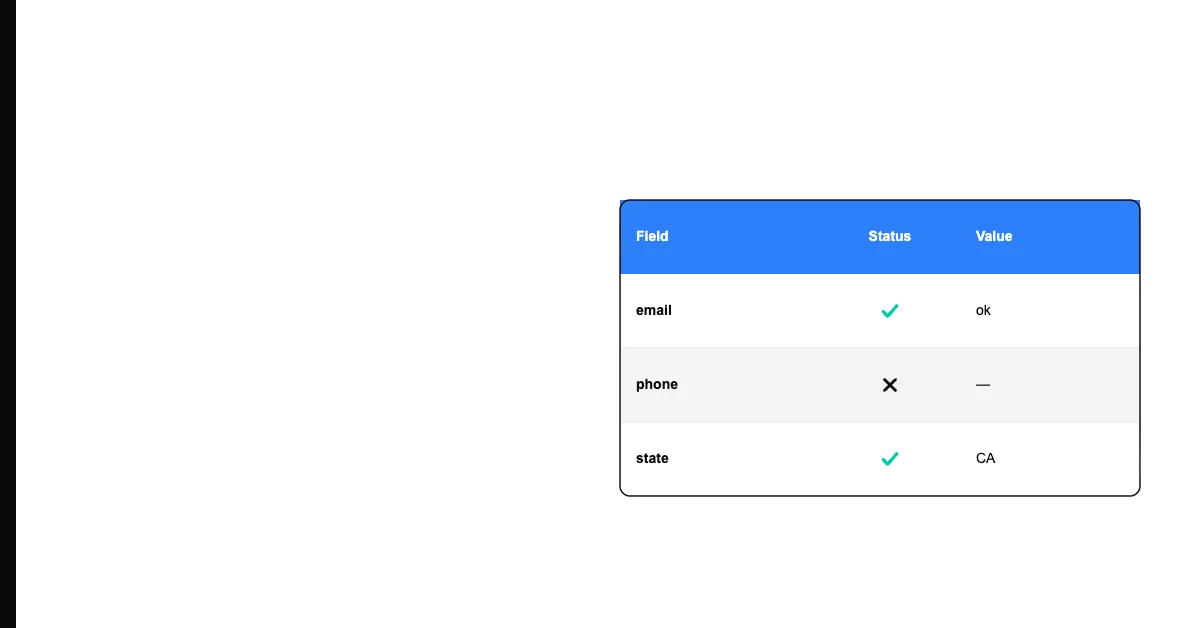
Sohovi gives you the data quality picture you need to make the case for fixing it — and to track improvement over time.
Auditing Your Review Request Data Quality

Export the last 90 days of completed jobs to a CSV. For each job record, check:

Email or mobile phone: What percentage of jobs have a valid contact method? A valid email address has an @ symbol and a recognizable domain. A valid mobile number has 10 digits (for US numbers). Any record without either is a lost review opportunity.

First name: Is it populated? Is it a real name (not "Customer," "Unknown," or a test entry)? First name blank or placeholder means your message goes out as "Hi ," or "Hi there," — a small but meaningful signal that you're not paying attention.

Job date: Is it recorded for every job? Or are some records missing dates because the job was never properly closed out in your system?

Service type: Is it specific enough to personalize? "Service" is not useful. "Spring HVAC tune-up" or "Kitchen faucet replacement" is.

Calculate a completeness rate for each field. A field below 85% complete is a meaningful gap in your review pipeline.

Sohovi profiles every column in your dataset for completeness and flags the exact rows where values are missing — free to try.

Sohovi lets you upload your CSV and get an instant data quality report — no setup, no code required.

Connecting Data Quality to Review Volume

The math is direct. If you complete 100 jobs per month and:

  • 20 customers have no email or phone → 20 review requests can't be sent
  • 15 have no first name → 15 requests go out impersonally, lower conversion
  • 10 job records are missing a completed date → 10 requests either don't trigger or send late
  • 5 have the wrong service type → 5 requests reference the wrong job

That's up to 50 compromised review requests per month. Over a year, the difference between a well-maintained contact database and a poorly maintained one can be 200–400 missed reviews. At a 4.2-star average with 150 reviews vs. 4.7-star average with 500 reviews, that gap shows up directly in how customers find and evaluate you.

Sohovi finds gaps, duplicates, and format errors in your CRM data — so your team is working from records they can trust.

Fixing the Data Gaps

For missing email or phone: Make contact confirmation part of the service intake process. When a technician or CSR creates a new job, require a valid email or mobile number before saving. If the customer declines, flag the record — don't leave the field blank.

For missing first names: Same approach — require it at intake. If you have existing records without first names, run a data enrichment pass. For customers you'll contact again, ask at the next touchpoint.

For service type specificity: Replace free-text service fields with a dropdown that maps to specific, reviewable service descriptions. "HVAC Maintenance," "Plumbing Repair," "Window Cleaning" — specific enough to personalize, broad enough to be manageable.

Automating the Outreach

Once your data is clean, automate the review request:

Most field service platforms (Jobber, Housecall Pro, ServiceTitan) support automated review request messages triggered when a job is marked complete. Set up this trigger once, and every completed job automatically generates a review request within your target window.

For businesses using simpler tools: set up an email automation workflow that sends a review request when a job record is updated to "Complete" status. The exact tool matters less than the trigger — it must be automatic, not manual.

Manual review request processes fail because the person responsible forgets, gets busy, or never builds the habit. Automation ensures consistency without depending on anyone's memory.

If you're ready to stop guessing about your data quality, Sohovi is built for exactly this. Upload your first CSV free — no credit card, no IT team, no code needed.

Frequently Asked Questions

When is the best time to send a review request?

Within 24 hours of job completion, when the experience is fresh. Requests sent within 24 hours convert at 2–4x the rate of requests sent 1+ week later.

Should I ask for reviews via email or SMS?

Both if you have both. SMS open rates (95%) are higher than email (20–25%), but some customers prefer email. If you have a mobile number, try SMS first. Always include a direct Google review link.

How many reviews per month should a local service business be getting?

A benchmark: if you're completing 50 jobs per month with a well-run review request program, expect 8–15 new reviews per month. Less than 5 with that volume suggests a data or process problem in your review request workflow.

Sohovi Team

Data quality, for people who ship

The Sohovi team writes practical guides on data quality, profiling, and governance to help teams ship better data.

Start for free

Stop guessing. Start knowing your data quality.

Sohovi profiles your datasets in minutes — surfacing completeness gaps, type mismatches, and duplicate patterns before they reach production.

No credit card required · Free forever plan