Shopify is one of the most data-rich commerce platforms available — every order, every customer, every product variant generates structured data. When that data is accurate, your operations are smooth. When it degrades, inventory counts mislead fulfillment, customer records fragment across multiple accounts, and product listings drive returns instead of conversions.
The Key Shopify Data Quality Problems
Duplicate customer accounts: A customer who checks out as a guest and later creates an account, or who checks out multiple times with slightly different email addresses, creates multiple customer records. Order history is split, loyalty program totals don't reflect actual spend, and marketing segments are inaccurate.
Inventory count discrepancies: System inventory counts drift from physical reality through: unreported shrinkage, returns not properly restocked, manual adjustments without audit trail, and sync failures between Shopify and third-party inventory management systems.
Inconsistent product variant data: Products with multiple variants (size, color, material) that don't have consistent metadata across variants — missing weights for some sizes, prices not updated when cost changes, SKUs in different formats.
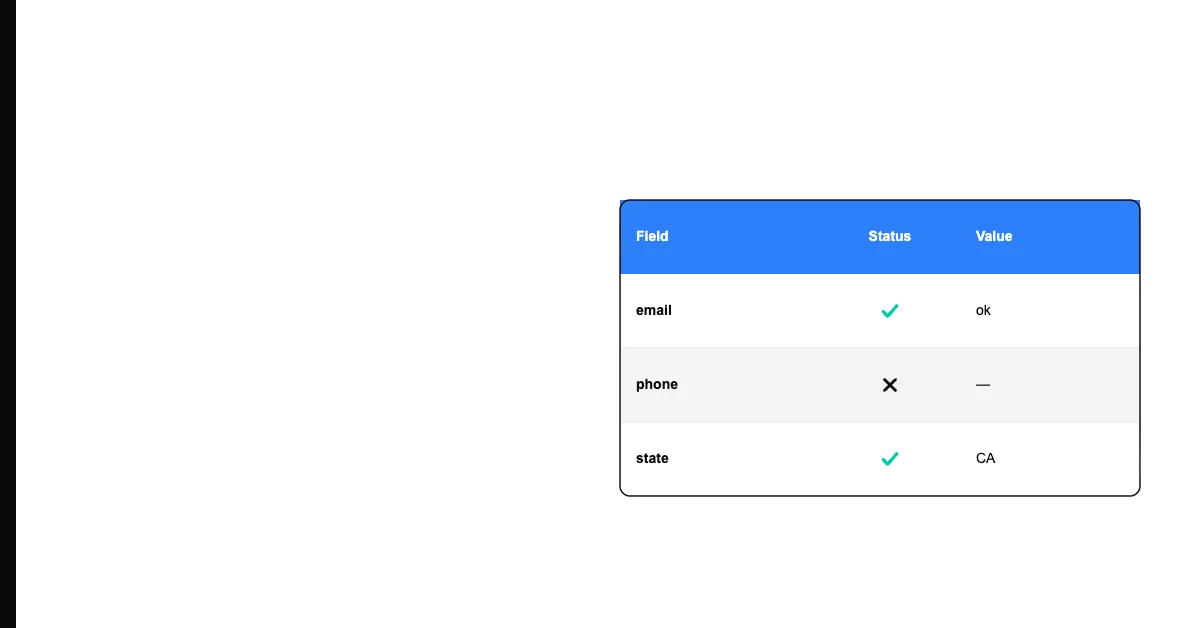
Sohovi gives you the data quality picture you need to make the case for fixing it — and to track improvement over time.
Inaccurate order records: Orders with addresses that failed validation at checkout, orders with payment status inconsistencies, or orders that were manually edited without updating linked records.
Stale or incorrect pricing: Prices that haven't been updated after supplier cost changes, promotional prices that remained active after promotion end dates, or prices inconsistent between sales channels.
Maintaining Shopify Data Quality
Use Shopify's Customer Merge: Shopify's admin has a native customer merge function. When you identify duplicate customer accounts (same email with slight variation, same name and phone), navigate to the customer record and use "Merge customers" to combine order history into a single record.
Sohovi automatically finds every duplicate in your dataset — including near-matches — and shows you exactly which rows are affected.
Sync inventory regularly: Configure your fulfillment workflow so that every shipment, return, and manual adjustment updates Shopify inventory counts immediately. If you use a 3PL or WMS, verify the sync is working correctly with a weekly count comparison.
Audit product data periodically: Export your product catalog as a CSV (Products → Export) and check completeness rates for key fields: description length, weight (for shipping calculations), SKU, and category tags.
Monitor inventory accuracy rate: Compare system counts to physical counts for your top-30 SKUs each month. If inventory accuracy falls below 95%, investigate the specific SKUs with discrepancies.
Sohovi tracks quality trends across runs and alerts you when a metric — null rate, duplicate count, score — moves outside its normal range.
Frequently Asked Questions
Q: How do I find and merge duplicate customer records in Shopify? Search for customers by name or phone in the Shopify admin. When you find potential duplicates, open one record and look for the "Merge customers" option (available in Shopify Admin under Customers). Select the record to merge into and confirm. This combines order history and contact information.
Q: What is Shopify inventory management and how does data quality affect it? Shopify tracks inventory counts for each product variant. When counts are inaccurate — because of shrinkage, sync failures, or manual errors — the "Available" quantity shown to customers is wrong. Oversells (selling more than available) and false out-of-stock errors both result from inventory data quality problems.
Q: How do I audit product data quality in Shopify? Export your product catalog as CSV (Admin → Products → Export). Check completeness of key fields: description, images, weight, price, compare-at price, and category tags. Look for variants with missing or inconsistent data using spreadsheet formulas.
Q: What causes inventory discrepancies in Shopify? Returns not processed correctly (item returned but inventory not restocked), fulfillment errors (wrong item shipped without record correction), manual adjustment errors, and sync failures between Shopify and third-party systems (3PLs, ERPs, inventory management apps).
Q: How does Shopify handle multi-channel inventory synchronization? When selling on multiple channels (Shopify website, Amazon, POS), inventory must be synchronized across all channels. Shopify's native multi-channel features handle this for first-party channels; third-party inventory management apps handle it for others. Sync failures are the most common source of inventory data quality problems in multi-channel operations.
Q: What is Shopify's order data and how can it be incorrect? Order data includes customer contact information, shipping address, line items, payment details, and fulfillment status. Address validation failures at checkout produce undeliverable orders. Manual order editing without updating linked fulfillment records creates status inconsistencies.
Q: How do duplicate customers affect Shopify reporting? Duplicate customer records split order history, making per-customer metrics (average order value, lifetime value, purchase frequency) appear lower than they are for the affected customers. Customer segmentation is also less accurate when one customer's behavior is spread across multiple records.
Q: What Shopify apps improve data quality? For customer deduplication: Shopify's native merge function handles most cases; Mechanic (automation platform) can run scheduled deduplication logic. For inventory management: Inventory Planner, Cin7, or Skubana for sophisticated inventory tracking. For product data: Bulk edit apps and PIM integrations for large catalogs.
Q: How should I handle Shopify data quality during a sale or high-traffic event? Before any high-traffic event, verify inventory counts against physical reality for your featured products. Confirm that pricing is accurate across all channels. Check that your payment processing is functioning correctly. During the event, monitor for order anomalies (unusually high or low volumes).
Q: What is the most impactful Shopify data quality action for a small e-commerce store? Regular inventory audits — comparing system counts to physical counts for your most popular SKUs. Inventory accuracy directly affects customer experience (false out-of-stock messages, oversells) and financial accuracy (wrong COGS calculations). Even a monthly count comparison for your top-20 products catches most inventory quality problems early.
Shopify data quality connects directly to revenue — through customer experience, accurate inventory, and trustworthy product listings. Regular inventory audits, customer deduplication, and product data completeness checks are the three most impactful practices.