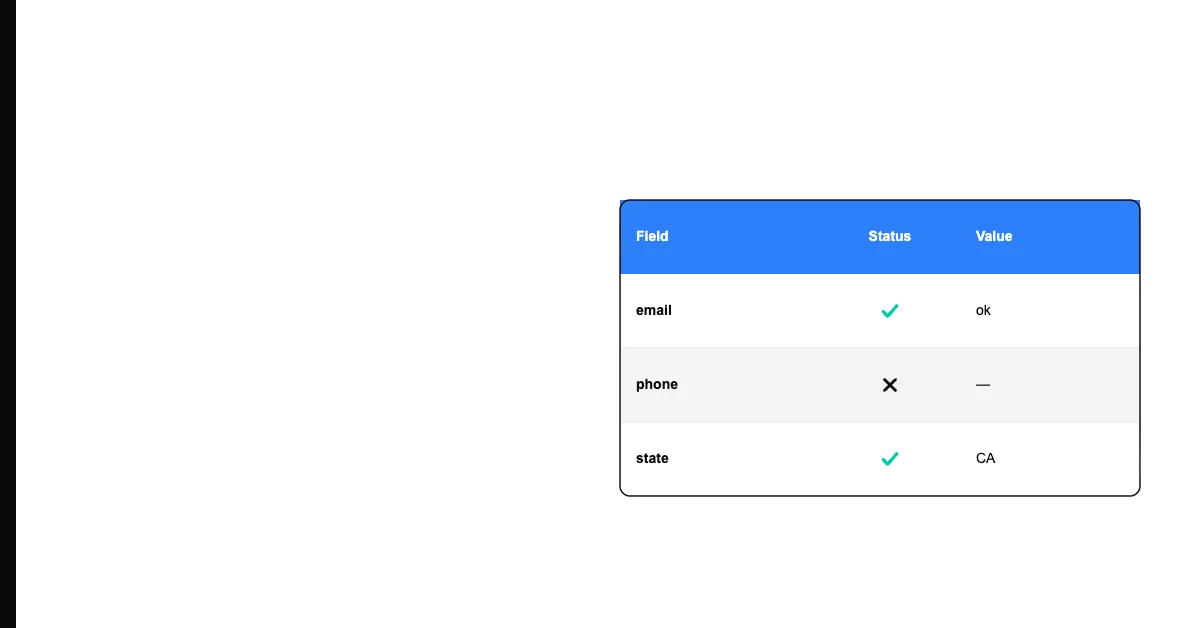
You can audit data quality before a CRM migration by profiling your current data across five quality dimensions — completeness, uniqueness, validity, consistency, and timeliness — then cleaning the highest-impact problems before the migration rather than importing them into your new system.
The most common CRM migration mistake: migrating data as-is and planning to clean it "after we're settled." After the migration, cleanup competes with user training, configuration, and business operations. The cleanup never happens. The new CRM starts life as cluttered as the old one.
Why Pre-Migration Data Audit Is Non-Negotiable
Every data quality problem you migrate costs more to fix in the new system than it would have in the old one. Your old CRM is familiar — you know its query language, its export format, its relationships between objects. The new CRM is unfamiliar. Debugging data quality issues while simultaneously learning a new platform multiplies the difficulty.
Sohovi finds gaps, duplicates, and format errors in your CRM data — so your team is working from records they can trust.
More importantly: migrating clean data into your new CRM gives your team a clean start. It builds confidence in the new system. It makes adoption easier when people can find accurate, complete records from day one.
The Pre-Migration Data Quality Audit Framework
Step 1: Inventory your migration objects. List every object type you're migrating: contacts, accounts, leads, opportunities, activities, documents. For each, document the fields you'll migrate and the fields you'll leave behind.
Step 2: Profile each object type. For each primary object:
- Count total records
- Calculate completeness rate for each required field
- Count duplicate records on primary key fields
- Check validity of key fields (email format, phone format)
- Assess timeliness (how many records haven't been updated in 2+ years?)
Sohovi automatically finds every duplicate in your dataset — including near-matches — and shows you exactly which rows are affected.
Step 3: Prioritize what to clean. Not everything needs to be cleaned before migration. Prioritize: fields required by the new CRM configuration, fields used in critical automation and reports in the new system, duplicate contacts and accounts (most impactful to clean first).
Step 4: Clean the highest-impact problems. Deduplicate contacts and accounts. Fix or remove invalid email addresses. Standardize categorical field values. Archive or delete records you're confident don't need to migrate.
Step 5: Document the data state. Record the pre-migration quality metrics. This becomes your baseline for verifying post-migration quality and demonstrating what improved.
Sohovi validates your dataset before it enters the warehouse — catching format errors, nulls, and duplicates at the source.
Sohovi can audit your CRM data export (as a CSV) instantly — showing completeness rates, duplicate counts, and format validity across every field. A useful first pass before any migration project.
Frequently Asked Questions
Q: Why should data quality be audited before a CRM migration rather than after? Pre-migration cleanup is dramatically cheaper and faster than post-migration cleanup. In the old system, you understand the data model and can write targeted cleanup queries. Post-migration, you're learning a new system while simultaneously trying to fix data problems, under the pressure of users who are already adopting the new platform.
Q: What are the most important data quality problems to fix before a CRM migration? Duplicate contacts and accounts (most impactful downstream), invalid email addresses (most likely to break communication automation), inconsistent categorical values (most likely to break segmentation and reporting), and stale records you don't need to migrate (reduces migration scope and cost).
Q: How do I identify records that don't need to be migrated? Filter for records with no activity in the past 2-3 years AND no associated active opportunities or accounts. These dormant records typically have the lowest data quality and lowest future value. Archiving rather than migrating reduces migration scope and improves the quality of the migrated dataset.
Q: What is a data migration scope document? A scope document lists which objects will be migrated, which fields will be mapped, and what the source-to-destination field mapping is. Without it, migration teams make inconsistent decisions about field mapping that produce systematic data quality failures.
Q: How do I validate that a CRM migration was successful from a data quality perspective? Compare pre- and post-migration metrics: record counts (did you migrate what you intended?), field completeness rates (did all expected fields transfer?), sample validation (spot-check 50 records to confirm field values transferred correctly), and relationship verification (are contacts still associated with the correct accounts?).
Q: What is data archival vs. data migration in a CRM context? Migration moves records to the new system. Archival stores records outside the new system — typically in a read-only archive or data warehouse — for historical reference without cluttering the new CRM. Records more than 3 years old with no recent activity are often good candidates for archival rather than migration.
Q: How much time should be allocated for pre-migration data cleanup? Roughly 20-30% of total migration project time, depending on data quality. A migration planned for 10 weeks should allocate 2-3 weeks for cleanup. Organizations consistently underestimate this phase.
Q: What is a field mapping document and why is it critical for migration data quality? A field mapping document specifies which field in the source CRM maps to which field in the destination CRM, including any transformations required (format changes, value mapping for categorical fields). Without it, the migration team makes ad-hoc field mapping decisions that produce inconsistent results.
Q: Should I migrate all historical activity data (calls, emails, notes) during a CRM migration? Usually not all of it. Activity history from the last 12-24 months is valuable for sales context. Activity older than that has diminishing value and can significantly increase migration complexity and timeline. Migrate recent activity; archive or leave behind older activity.
Q: What is the most common data quality problem discovered during CRM migrations? Duplicate records — typically much higher than anyone expected. Most organizations underestimate their duplicate rate until they run a systematic analysis. The realization that 15-25% of their contact records are duplicates is among the most common CRM migration surprises.
A pre-migration data audit is the highest-ROI action you can take before any CRM implementation. Clean before you migrate — not after.