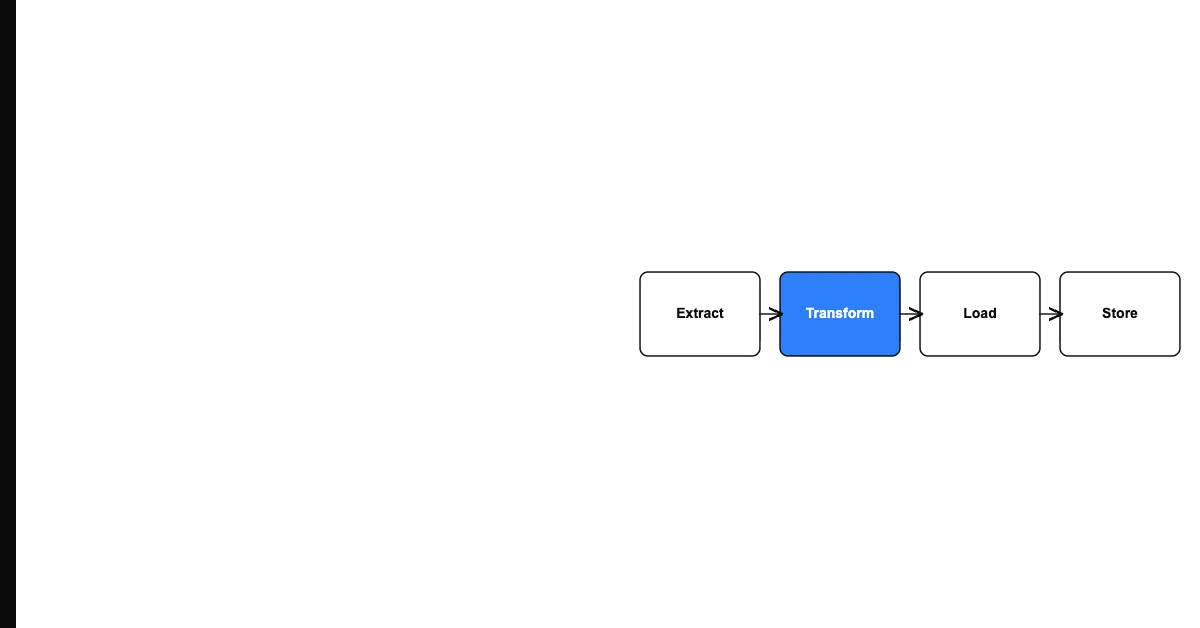
You can validate data quality after a system migration by comparing pre-migration baseline metrics to post-migration metrics, running spot-check verification on a representative sample of records, and testing that key relationships (contacts linked to accounts, orders linked to customers) are intact.
Most migration projects declare success too quickly — the data is "in" the new system, the go-live deadline is met, and everyone moves on. Three weeks later, sales reps discover their accounts are missing contacts. Finance discovers that opportunities from Q2 aren't in the pipeline report. Customer success discovers that half their accounts have no associated tickets.
Post-migration validation catches these failures before they damage business operations.
Sohovi lets you set up validation rules for any column and instantly see which rows fall outside them — no code or SQL required.
The Post-Migration Validation Framework
Step 1: Record Count Comparison
Compare the count of each object type before and after migration:
- Pre-migration contacts: 23,847
- Post-migration contacts: 23,612
- Difference: 235 contacts (why are 235 missing?)
Every significant count discrepancy needs an explanation. Some may be intentional (records excluded during cleanup). Others reveal migration errors (records that failed to load due to validation failures in the destination system).
Step 2: Completeness Rate Comparison
For each key field, compare the pre-migration completeness rate to the post-migration rate:
| Field | Pre-migration | Post-migration | Change | |---|---|---|---| | Email | 94% | 91% | -3% → investigate | | Phone | 78% | 78% | OK | | Company | 88% | 62% | -26% → major issue |
A significant drop in completeness for a field that wasn't changed indicates a field mapping failure — the field wasn't properly mapped in the migration.
Step 3: Sample Record Verification
Select 50-100 records at random and manually compare source vs. destination values side by side. Check every field that was mapped. Look for:
- Fields that are blank in the destination but populated in the source
- Fields with wrong values (especially categorical fields that may have been transformed incorrectly)
- Relationships that are broken (a contact that's no longer associated with its company)
Sohovi scores your dataset against your own accuracy standards and highlights the columns and rows where values fall outside expected ranges.
Step 4: Relationship Integrity Check
In relational systems, relationships between records are as important as the records themselves:
- Are all contacts still associated with their accounts?
- Are all opportunities still associated with their contacts?
- Are all activities still linked to the correct records?
A SQL query or filtered report counting parent records with no child associations catches most relationship integrity failures.
Step 5: Functional Testing
Run the processes that depend on the data:
- Send a test campaign from the new system and verify it reaches the expected contacts
- Run a test report and verify the numbers match expectations
- Process a test transaction and verify it records correctly
Frequently Asked Questions
Q: What is post-migration data quality validation? Post-migration validation systematically verifies that data transferred correctly to the new system — through record count comparison, field completeness comparison, sample record verification, and relationship integrity checks. It's the confirmation step that migration success isn't just technical but also data-accurate.
Q: How soon after migration should validation happen? Immediately after data load, before any users are given access to the new system. If validation fails, users haven't yet built muscle memory around wrong data, and remediation is cleaner. Post-go-live validation is much harder.
Q: What is a reasonable tolerance for count discrepancy in migration? Depends on your pre-migration cleanup. If you intentionally excluded stale records, document the expected exclusion count and verify the difference matches. Unexpected discrepancies greater than 0.5% warrant investigation before declaring migration complete.
Q: What should I do when post-migration validation reveals a significant field mapping error? Assess severity: how many records are affected, and how critical is the field? For high-severity failures (a key field with 20% completeness drop), roll back or re-run the migration with corrected field mappings. For low-severity failures (an optional enrichment field that's blank), add a remediation task.
Q: How do I validate relationship integrity in the new system? Run reports or queries that count records with missing relationships. "Contacts with no account," "Opportunities with no contact," "Activities with no associated record" — these counts should be close to zero in a well-migrated system. Any significant count indicates a relationship mapping failure.
Q: What is a parallel run and how does it help validate migration quality? A parallel run operates both old and new systems simultaneously, running the same transactions in both and comparing results. It provides the most comprehensive validation but requires significantly more effort. Appropriate for high-stakes migrations where accuracy is critical.
Q: What validation should specifically focus on the highest-risk fields? The fields that drove the most value in your pre-migration system — the fields used in your most important segments, reports, and automations. Validate these fields first and most thoroughly.
Q: How do I document validation results? Create a validation report that captures: date of validation, validator name, comparison of pre/post record counts, completeness rate comparison table, summary of sample record findings, relationship integrity check results, and list of any discrepancies found and their resolution status.
Q: What is the difference between technical migration validation and data quality validation? Technical validation confirms the migration process completed without errors — no failed loads, no timeout errors, no API failures. Data quality validation confirms the data that did load is correct — right values in right fields, relationships intact, completeness rates maintained.
Q: How long should post-migration validation take? For a typical CRM migration, 3-5 days for thorough validation. Automated comparison scripts for count and completeness checking can be set up in hours. Sample record review and functional testing take the most time. Don't compress this phase — it's cheaper to find problems now than after users have been working with wrong data.
Post-migration validation is the proof that the migration succeeded. Run it before declaring victory — record count comparisons, completeness checks, and sample verification catch most migration failures before they damage business operations.