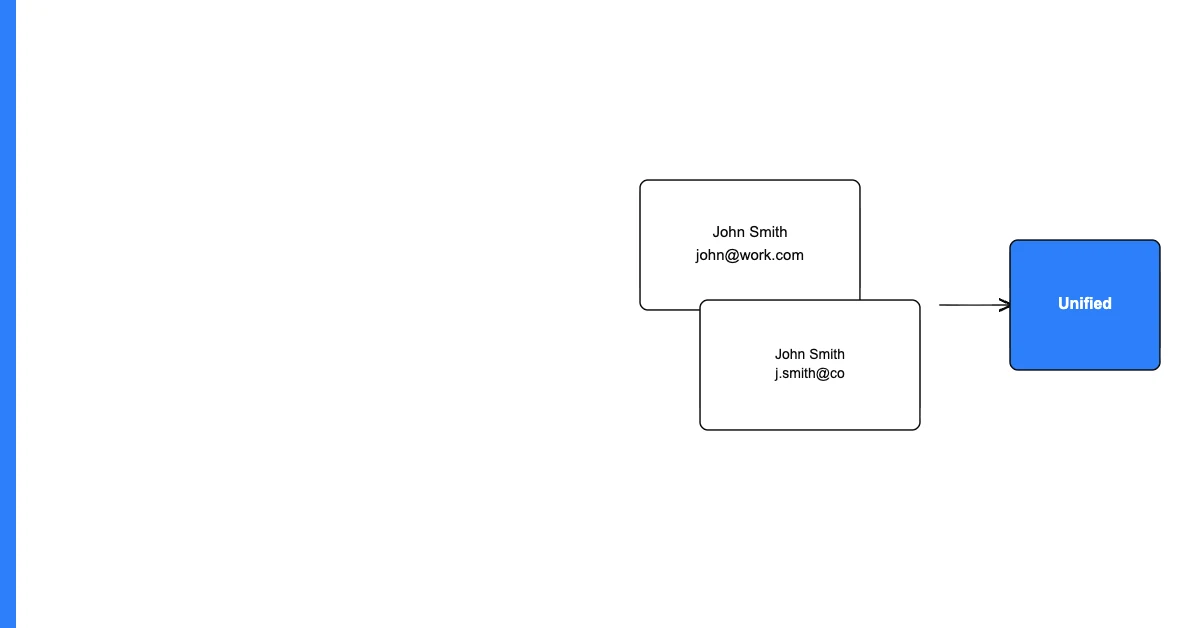
You can prevent duplicate data entry at the source by adding a real-time deduplication check at every data entry and import point — checking whether a record with the same key field already exists before allowing a new record to be created.
The most expensive approach to deduplication is periodic bulk cleanup. The cheapest approach is prevention: catching the duplicate at the moment it's created, before it has a chance to affect analytics, campaigns, or customer experience.
Prevention is always more cost-effective than remediation. A check that takes milliseconds at entry point prevents hours of cleanup later.
Sohovi gives you the data quality picture you need to make the case for fixing it — and to track improvement over time.
The Four Most Common Sources of Duplicates
1. Multiple form submissions: The same person fills out your contact form twice — once from a Google ad, once from organic search. No dedup check = two records.
2. Manual CRM entry: A sales rep creates a new contact for a prospect without checking whether that prospect already exists in the system.
3. List imports: A marketing team imports a purchased list or event attendee list without checking for existing records. Everyone on the list who's already in your CRM becomes a duplicate.
Sohovi automatically finds every duplicate in your dataset — including near-matches — and shows you exactly which rows are affected.
4. System integrations: A third-party integration creates new records on every sync instead of matching and updating existing records.
Prevention Strategies by Source
Form Submissions
Add a server-side check: before creating a new record from a form submission, query your database for an existing record with the same email address. If found, update the existing record rather than creating a new one (or merge the new form data with the existing record).
For marketing forms, this also allows you to progressively enrich records: the first form captures basic info; subsequent forms add missing fields to the existing record rather than creating duplicates.
Manual CRM Entry
Configure your CRM's built-in duplicate detection. Most CRMs (Salesforce, HubSpot, Zoho) have duplicate detection settings that check for existing records with the same email, phone, or name before a new record can be saved. Enable it if it isn't already active.
For users who bypass the dedup warning, require explicit acknowledgment: "This contact appears to already exist as [existing record name]. Do you want to create a new record or update the existing one?"
List Imports
Before loading any list into your CRM or database, run a match against existing records:
- Export the list as a CSV
- Run a duplicate check comparing the import file's email column against your existing database emails
- Split the import into: new records (don't exist in your database) and updates (already exist)
- Import new records, update existing records
System Integrations
Configure integrations to use an "upsert" pattern: check whether a record with the matching key already exists in the destination, update it if found, create a new record only if not found. Most iPaaS tools (Zapier, Make) and direct API integrations support upsert logic.
Frequently Asked Questions
Q: What is "deduplication at the source"? Deduplication at the source means adding checks at every point where data enters a system — forms, imports, manual entry, integrations — to prevent duplicate records from being created in the first place, rather than cleaning them up after the fact.
Q: Is it better to prevent duplicates at the source or clean them up periodically? Prevention is always more cost-effective. A real-time dedup check takes milliseconds and costs nothing per record. Periodic bulk cleanup requires significant labor, carries the risk of accidentally merging non-duplicate records, and always runs behind — there will be some period during which duplicates are in the system causing problems.
Q: What is an "upsert" and how does it prevent duplicates? An upsert (update + insert) is a database operation that checks whether a record with the matching key already exists. If found, it updates the existing record. If not found, it creates a new record. Upserts are the standard prevention mechanism for integrations and bulk imports.
Q: How do I configure duplicate detection in a CRM? Most CRMs have native duplicate detection settings. In Salesforce: Setup → Duplicate Management → Duplicate Rules. In HubSpot: Settings → Properties → Contact Properties → configure duplicate check. In Zoho: Settings → Dedupe Rules. The exact path varies but the capability exists in most major CRMs.
Q: What's the best key field to use for duplicate prevention? Email address is usually the best key for contact deduplication — it's unique per person, rarely changes, and is consistently captured. Phone number is a good secondary key. For company records, company domain is usually more reliable than company name.
Q: How do I handle form submissions where the same person submits twice with different email addresses? This is the hardest duplicate prevention case — there's no reliable automated solution when the key field (email) differs. Progressive enrichment (asking for additional identifying info across multiple forms) and manual review flags are the main options. Accept that some duplicates of this type will enter and plan for quarterly deduplication cleanup to catch them.
Q: Can deduplication prevention slow down my forms or imports? A database lookup at form submission adds a few milliseconds in most implementations — imperceptible to users. For bulk imports of very large files (hundreds of thousands of records), the lookup does add processing time. For imports, the dedup check should happen in a pre-processing step before the import, not real-time during it.
Q: What should I do when a prevention check finds a potential duplicate? Show the existing record to the user and ask them to confirm: "This contact appears to already exist. Do you want to update the existing record or create a new one?" For automated imports, route potential matches to a review queue rather than creating or updating automatically.
Q: How does deduplication prevention interact with GDPR right-to-erasure requests? When a contact requests data deletion, you must delete all records for that individual — including duplicates that might have slipped through. Good deduplication prevention reduces the number of records you need to delete in response to erasure requests by ensuring each person appears only once.
Q: What's the minimum viable duplicate prevention for a small business? Enable native CRM duplicate detection (if you use a CRM), add an email match check to any form connected to your database, and run a manual deduplication check on any list before importing it. These three steps catch the majority of duplicate sources with minimal technical investment.
Prevention is better than remediation — always. An upfront deduplication check at each data entry point costs milliseconds and prevents hours of cleanup downstream.