Budget for data quality tools is often zero — especially at small businesses and nonprofits where every dollar is spoken for. But the absence of budget doesn't mean the absence of options. The highest-impact data quality improvements cost nothing except time and consistency.
Most data quality problems at small organizations aren't expensive to fix. They're expensive to ignore. A contact list that's 30% invalid emails doesn't cost much to clean — it costs significantly in wasted campaign spend and deliverability damage. A spreadsheet with 20% duplicate records costs more in wrong decisions than it would ever cost to deduplicate.
Here's how to make meaningful progress on data quality without spending a dollar.
Free Data Quality Improvements That Actually Work
1. Validate at entry (free)
Most data quality problems start when data enters your system without any validation. Adding simple checks — required fields, email format validation, phone number format enforcement — to your intake forms costs nothing if your form tool supports it. Most do.
Review your most-used forms right now: your contact form, your event registration, your CRM lead capture. Enable email format validation on every email field. Make required fields actually required. These changes prevent bad data from entering your system and eliminate the cleanup cost entirely.
2. Profile before you use (free with the right tool)
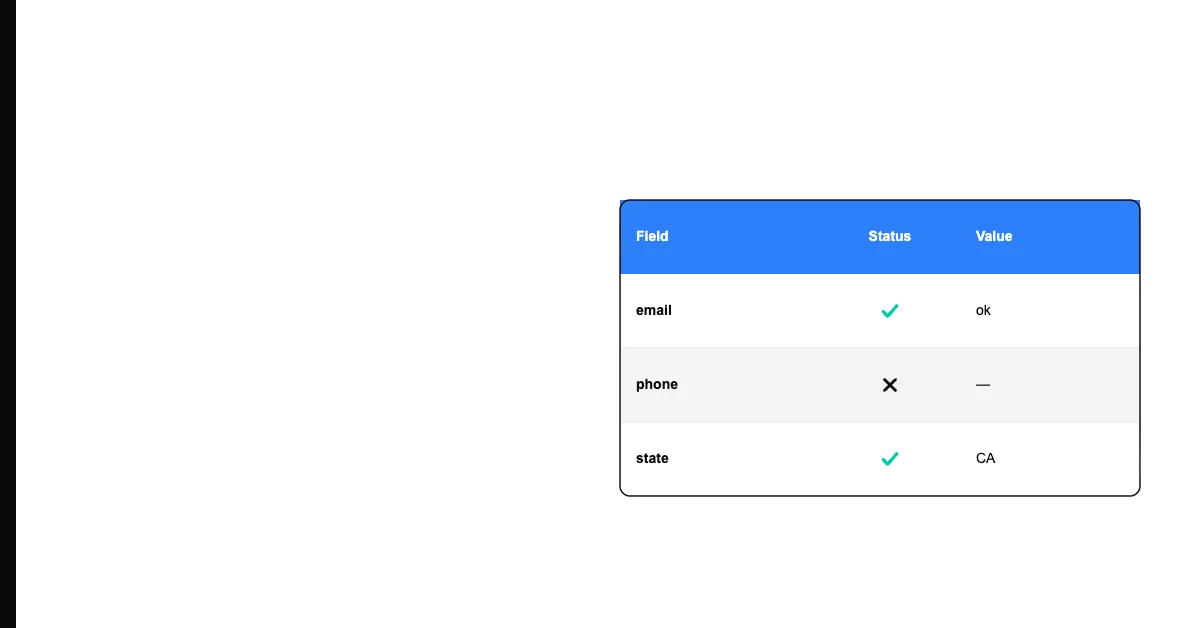
Sohovi's basic profiling is free — upload your CSV and see completeness rates, duplicates, and format issues at no cost. Making this a standard step before using any dataset for a campaign, report, or decision prevents downstream problems at zero cost beyond 5 minutes of your time.
Build a habit: before you use a dataset for anything important, profile it first. This alone catches the majority of data quality problems that cause campaign failures and wrong reports.
3. Deduplicate before sends (free with your email platform)
Most email service providers — Mailchimp, Klaviyo, ActiveCampaign, Constant Contact — have built-in deduplication for their contact lists. They automatically suppress duplicate email addresses from sends. Use this feature every time you add new contacts by importing from an external source.
This isn't a data quality tool you need to purchase. It's a setting that already exists in your email platform. Make sure it's turned on.
4. Spreadsheet audits (free with Excel or Google Sheets)
A monthly pass through your most important spreadsheet costs only an hour of time and a basic knowledge of two functions:
- COUNTBLANK(column) — tells you how many cells in a column are empty (completeness check)
- COUNTIF(range, criteria) — tells you how many times a value appears (duplicate check)
Sort your email column ascending. Any duplicate email addresses will appear adjacent to each other. Look at the top and bottom of any numerical column to spot outliers. These are manual but effective and completely free.
5. Fix problems when you find them (free)
When a data problem is discovered — a bounced email, a duplicate record, an incorrect company name — fix it immediately rather than noting it and moving on. The cost of fixing one record the moment you discover it is about 30 seconds. The cost of letting it accumulate and doing a quarterly cleanup is hours.
Build a "fix it now" culture: if someone sees a data problem, they fix it in the moment. This requires no tools and no budget — just a norm.
The Highest-ROI No-Budget Actions, Ranked
Not everything above has equal impact. For most small businesses, the priority order is:
1. Email validation at entry — This is the single highest-ROI action. Every form that validates email format before submission prevents a class of quality problems from entering your data permanently. Setup time: 15 minutes per form.
2. Deduplication before major sends — Running a deduplication pass before any campaign send prevents wasted spend and deliverability damage. Setup time: 5 minutes per send.
3. Pre-use profiling — Profiling before you use a dataset catches problems before they cause campaign failures, wrong reports, or bad decisions. Time per profile: 5 minutes with Sohovi.
4. Immediate correction when problems are found — Building a fix-it-now habit eliminates the accumulation problem. Time investment: near zero per fix; significant culture shift.
What Zero-Budget Can't Fix
Some data quality problems genuinely require investment to solve:
- Address accuracy at scale: Verifying that physical addresses are deliverable requires address verification services that cost per lookup
- B2B contact data freshness: Keeping job titles, companies, and phone numbers current for a large B2B database requires enrichment services
- Real-time validation: Validating email deliverability in real-time as contacts are added requires a paid API
These are real needs for some organizations, but they're not where to start when budget is zero. The free improvements above address the problems that cause most of the damage for most small businesses.
Data quality is largely a discipline problem, not a budget problem. The organizations with the cleanest data usually aren't the ones with the biggest tools budgets — they're the ones with the most consistent habits. Start with the habits. The tools that accelerate those habits are worth investing in once you've built the process.