Small Business

The Non-Technical Guide to Data Quality for Business Owners

You don't need to understand databases or SQL to manage data quality. Here's what business owners need to know, in plain English.

You run a business. You use data — a CRM, an email list, a product catalog, financial records. You've noticed that the data sometimes seems wrong, inconsistent, or incomplete. But you're not a technical person, and you're not sure what to do about it.

This guide explains what you need to know about data quality without assuming any technical background. No jargon. No engineering concepts. Just the practical picture of what data quality means for a business like yours.

What Data Quality Means for Your Business

Data quality is simply a measure of whether your data is reliable enough to use for the purpose you need it.

High-quality data for a business owner means:

  • Accurate: The information is correct. Your customer's email is their actual email, not a typo.
  • Complete: The important fields are filled in. You can segment your email list by city because the city field is actually populated.
  • Consistent: The same information looks the same everywhere. "California" is always "California" in your CRM, not sometimes "CA" and sometimes "Calif."
  • Current: The information hasn't become outdated. Your customer list doesn't contain email addresses from five years ago that are no longer active.

When data quality is poor, it shows up as campaigns that don't perform as expected, reports that show numbers you know aren't right, customer experiences that feel disjointed ("Why do you have my old address?"), and decisions made with unreliable information.

The Three Data Quality Problems Business Owners Most Commonly Face

Duplicate records: The same customer appears multiple times in your database. You send them the same email twice and they unsubscribe. Your customer count looks larger than it actually is. Your "top customers" list misses people whose purchase history is split across two or three records.

Missing information: Key fields — email address, phone number, company name, shipping address — were never filled in. Your automation that personalizes emails by first name sends "Hi ," to 20% of your list because the first name field is empty. Your phone campaign can't reach 30% of prospects because phone numbers are missing.

Inconsistent formatting: The same information entered differently by different people. "California" and "CA" and "Calif." and "california" all meaning the same thing but not matching when you filter your reports. Phone numbers with dashes in some records and none in others. Dates formatted differently across different imports.

Each of these problems is fixable. None of them require technical expertise.

What You Can Do Without Technical Skills

Check your most important list before you use it

Before any campaign send, import, or important report, export the relevant data and do a quick visual scan:

  • Is the email column complete? (Scroll through — are there blanks?)
  • Are there obvious duplicate names or emails?
  • Does the data look right, or are there clearly wrong values?

This catches obvious problems in a few minutes.

Use a profiling tool to see what you can't see by scanning

Tools like Sohovi let you upload a CSV file and get an instant quality report without any technical knowledge. In under a minute, you'll see:

  • Which columns have missing values and how many
  • How many duplicate records exist
  • Whether your email column has format problems
  • Whether any columns might contain sensitive personal information

You don't need to understand how it works to use the results. The report tells you what's wrong and how many records are affected.

Fix problems when you find them — one dataset at a time

You don't need to fix everything at once. Identify your most important dataset — the one you rely on most heavily for campaigns, decisions, or customer interactions — and fix the problems in that one first.

The goal is to make your critical data reliable enough to use confidently. Perfect data is an enterprise goal. Reliable enough for your current purposes is an achievable goal for a small business.

Ask for correct data from the start

The cheapest data quality improvement is preventing bad data from entering your systems in the first place. In your CRM, make the email field required and add email format validation. In your web forms, add a confirmation step for email addresses. These settings exist in most tools and take minutes to enable.

Small prevention measures now mean smaller cleanup projects later.

Common Misconceptions to Let Go

"Data quality is too technical for me": The measurement and analysis of data quality does require tools, but reading and acting on the results doesn't require any technical background. The tools surface the problems; you make the business decisions about what to fix and how.

"Our data is probably fine": Almost every business that has never actively checked its data quality discovers significant problems when it first looks. The average duplicate rate in a CRM that's been in use for two years without deduplication is 10–20%. That's not fine — that's affecting every decision and campaign you run.

"We'll fix it when it becomes a problem": By the time bad data causes a visible problem — a campaign failure, a wrong report, a customer complaint — it's already been causing invisible problems (lower conversion rates, wrong decisions, wasted outreach) for months.

Data quality isn't a technical domain — it's a business discipline. You're already qualified to manage it. You just need the right starting point.
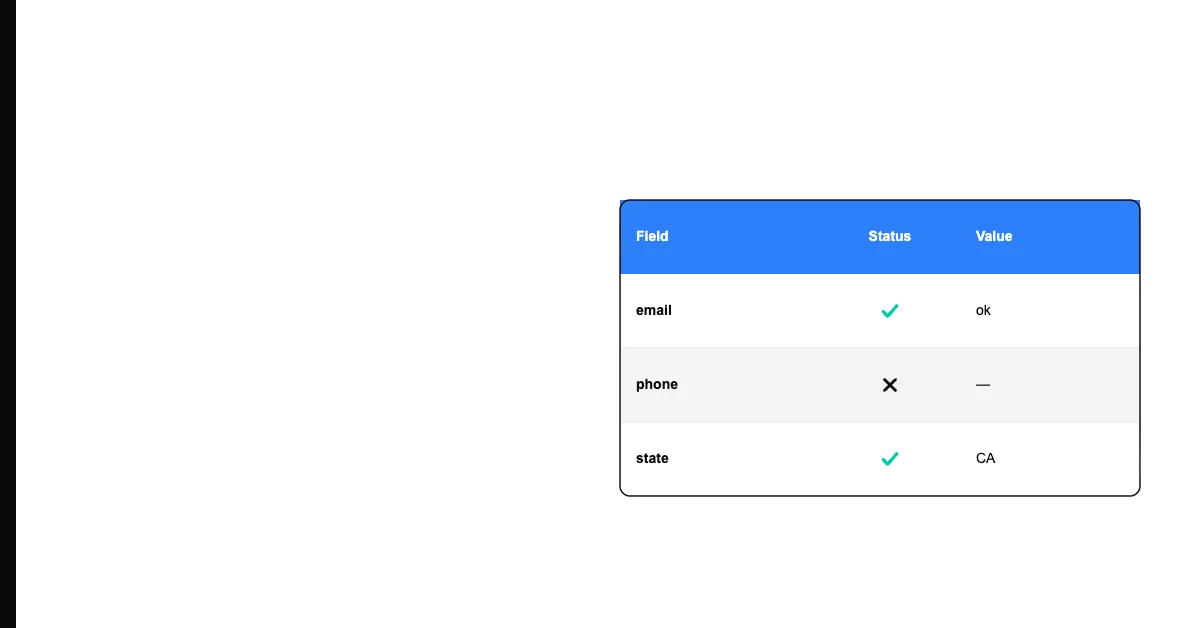
Sohovi is that starting point — upload your most important CSV and see exactly what's in it. Free, no setup, no code required.

Sohovi Team

Data quality, for people who ship

The Sohovi team writes practical guides on data quality, profiling, and governance to help teams ship better data.

Start for free

Stop guessing. Start knowing your data quality.

Sohovi profiles your datasets in minutes — surfacing completeness gaps, type mismatches, and duplicate patterns before they reach production.

No credit card required · Free forever plan