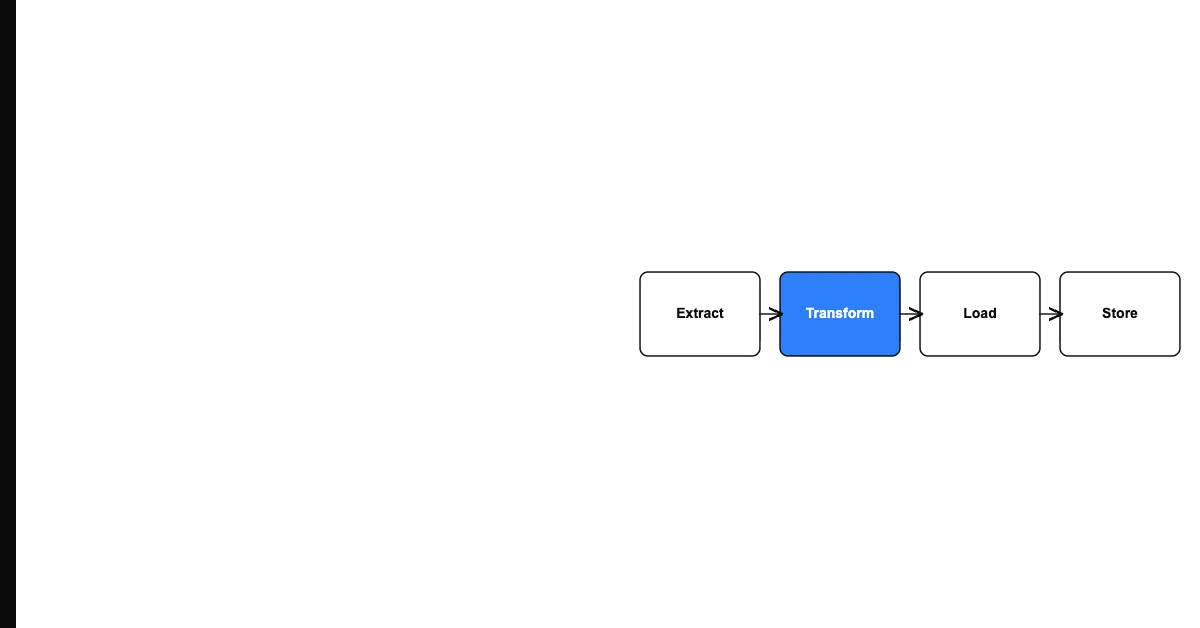
You can handle data quality failures in an automated workflow gracefully by implementing three mechanisms: a validation gate that catches failures before processing, an exception queue that holds failed records for investigation rather than dropping them, and an alert that notifies the responsible team when failures exceed acceptable thresholds.
Automated workflows amplify both the best and worst of your data. Clean data flows through efficiently and produces correct outputs at scale. Bad data is processed just as efficiently — producing wrong outputs, triggering wrong actions, and failing silently unless you've built failure handling.
The Problem With Default Failure Handling
Most automation platforms have one of two default behaviors when a step encounters bad data:
Sohovi shows you exactly what is wrong with your data — completeness gaps, type mismatches, duplicates — in one clear report.
Crash and stop: The entire workflow fails when one record has bad data. If you're processing 10,000 records and record 8,347 has an invalid email format, all 10,000 records stop processing and you get an error notification.
Skip and continue: The bad record is silently skipped. The workflow completes, reports success, and the bad record is gone — never processed, never retried, never investigated.
Neither is acceptable for production workflows. Crash-and-stop means one bad record blocks all good records. Skip-and-continue means data is silently lost.
Graceful Failure Handling Patterns
The Dead Letter Queue Pattern
When a record fails validation, route it to a dead letter queue rather than dropping it or stopping the workflow. The dead letter queue holds failed records until a human reviews and either corrects and retries them or explicitly discards them.
Sohovi lets you set up validation rules for any column and instantly see which rows fall outside them — no code or SQL required.
This pattern:
- Allows good records to process normally
- Preserves all failed records for investigation
- Provides a queue for systematic remediation
- Creates an audit trail of what failed and why
The Retry Pattern
For transient failures (network timeouts, temporary service unavailability), implement automatic retry with exponential backoff. Retry the failed record 2-3 times with increasing delays. If it still fails after retries, move it to the dead letter queue.
This pattern handles temporary failures automatically while preventing infinite retry loops.
The Threshold Alert Pattern
Monitor the failure rate of each automated workflow. Define an acceptable failure rate threshold (e.g., less than 1% of records can fail per run). If failures exceed the threshold, send an alert to the workflow owner.
Sohovi tracks quality trends across runs and alerts you when a metric — null rate, duplicate count, score — moves outside its normal range.
This catches systematic failures early — when a new data quality problem is causing widespread failures rather than isolated records — while allowing individual record failures to be handled quietly by the dead letter queue.
Frequently Asked Questions
Q: What is a dead letter queue in workflow automation? A dead letter queue is a storage location for records that failed processing — rather than being dropped or blocking the workflow. Failed records are held in the queue with their error details until reviewed by a human who decides whether to correct and retry them or discard them.
Q: What is the difference between a hard failure and a soft failure in automated workflows? A hard failure means the record cannot be processed at all — an invalid email format that would cause the downstream system to reject the record. A soft failure means the record can be processed but with reduced confidence — a missing optional field that limits what can be done with the record. Handle hard failures with dead letter queuing; handle soft failures with flagging and notification.
Q: How do I implement retry logic without causing duplicate records? Use idempotent record processing: design each workflow step to be safe to run multiple times on the same record. Use a unique record ID to check whether a record has already been processed before processing it again. This prevents duplicates when a retry follows a partial success.
Q: What should a dead letter queue notification contain? The original record data, the specific field or condition that caused the failure, the exact error message from the processing step, the timestamp of the failure, and the workflow and step where it occurred. Enough information to diagnose and correct the problem without additional investigation.
Q: How do I balance between strict validation (reject everything imperfect) and permissive processing (process anything that arrives)? Define hard stops (records that cannot be processed without causing downstream harm — wrong-format IDs, missing required keys) vs. soft warnings (records that are imperfect but processable — missing optional fields, non-standard formats). Hard-stop records go to dead letter queue; soft-warning records proceed with flags.
Q: What is exponential backoff and why is it used for retries? Exponential backoff increases the time between retry attempts exponentially — retry after 1 second, then 2 seconds, then 4, then 8. This prevents retry storms (hundreds of simultaneous retries overwhelming a temporarily unavailable service) while still recovering from transient failures.
Q: How do I know when a dead letter queue is growing too fast? Set a threshold alert: if the dead letter queue for a workflow grows by more than X records in a given time period, alert the responsible team. A sudden spike in dead letter queue volume indicates a systematic data quality failure, not isolated record problems.
Q: What is workflow observability and how does it relate to data quality? Workflow observability is the ability to understand what a workflow is doing in real time — how many records it's processing, how many are succeeding vs. failing, and why failures are occurring. Good observability makes data quality failures in workflows visible and diagnosable.
Q: What documentation should exist for each exception handling path in a workflow? Document: what condition triggers the exception, where failed records go (dead letter queue location), who receives alerts, what the review and remediation process is, and how corrected records are resubmitted. Without documentation, exception handling exists in code but not in organizational knowledge.
Q: What is the most common mistake in workflow exception handling? No exception handling at all — relying on the workflow platform's default behavior (either crash-and-stop or silently skip). The second most common: dead letter queues that nobody monitors. Build the queue; also build the review process and the alert that fires when the queue exceeds threshold.
Bad data entering an automated workflow will be processed just as efficiently as good data — unless you've built the gates, queues, and alerts that catch and contain failures. Build them before you need them.