You can deduplicate an email list before a campaign by checking for exact email address matches within the list, checking for near-duplicate email addresses (the same person with format variations), and cross-referencing against your unsubscribe/opt-out list to ensure you're not sending to contacts who have opted out — all before the first email leaves your platform.
Sending a campaign to a list with duplicates creates three problems simultaneously. The duplicated contact receives the campaign twice — an embarrassing experience that erodes trust. Your send metrics (opens, clicks, conversions) are inflated because one person's engagement is being counted multiple times. And your deliverability score may take a hit if your platform flags the high duplication rate as a signal of list quality problems.
None of these require sophisticated deduplication. A pre-campaign email list deduplication check takes 15 minutes and prevents all three.
Sohovi automatically finds every duplicate in your dataset — including near-matches — and shows you exactly which rows are affected.
The Pre-Campaign Email Deduplication Checklist
Step 1: Exact email deduplication Within your campaign list, remove any email address that appears more than once. In a spreadsheet: add a COUNTIF column, filter for values > 1, and delete the duplicates. In your email platform: most platforms automatically deduplicate within a single send, but check this setting — don't assume.
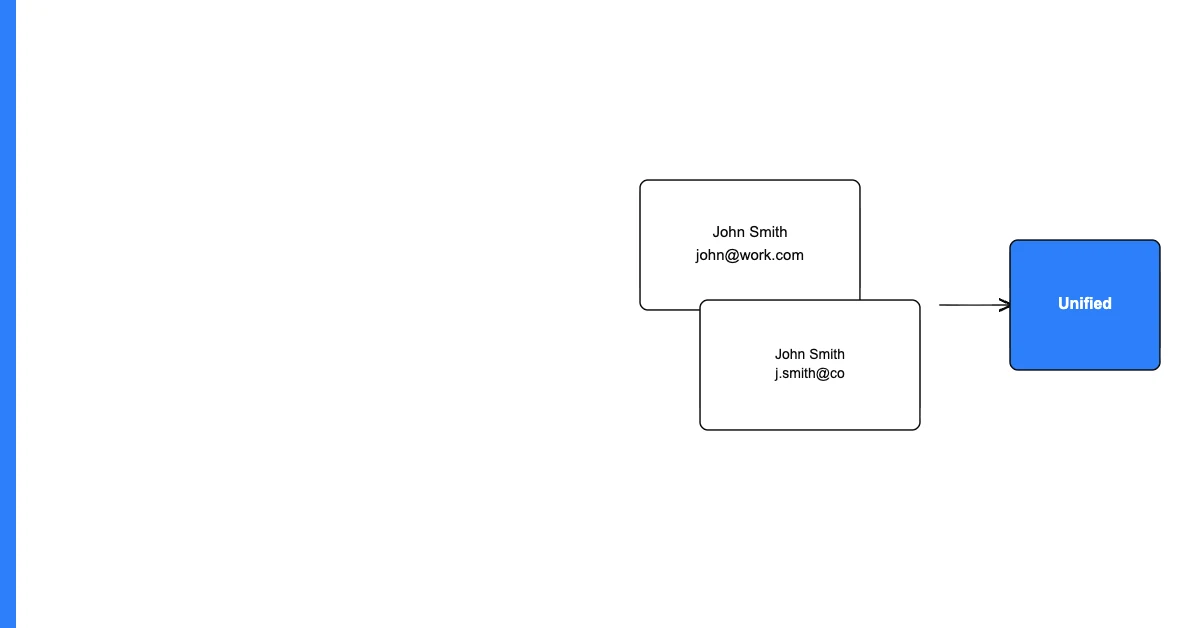
Step 2: Near-duplicate email deduplication The same person may appear with format variations:
- "john.doe@gmail.com" and "johndoe@gmail.com" (Gmail ignores dots in local part)
- "john@company.com" and "john.doe@company.com" (same domain, probably same person)
- "John.Doe@Company.com" and "john.doe@company.com" (case difference)
Check for contacts with the same domain who have similar local parts. Fuzzy matching on the email local part catches most of these.
Step 3: Cross-reference against opt-outs Your campaign list should be cross-referenced against your global unsubscribe list before every send. If your email platform doesn't do this automatically (most do), do it manually: download your opt-out list, compare against your campaign list, and remove any matches.
Step 4: Domain-level deduplication for B2B sends For B2B campaigns where you're targeting companies rather than individuals, check whether multiple contacts at the same company domain are in the list. Decide your policy: send to all of them (appropriate for some campaigns) or send to only the most appropriate contact (appropriate for account-based campaigns).
Deduplication in Your Email Platform
Most major email platforms (Mailchimp, HubSpot, Klaviyo, Constant Contact) handle exact email deduplication within a single send automatically. But check:
- Does your platform deduplicate if you're sending from multiple lists or segments?
- Does your platform check against your global opt-out list for this send?
- Does your platform suppress contacts who have previously hard-bounced?
If any of these are "no" or "I'm not sure" — check your platform settings before the next major campaign.
Frequently Asked Questions
Q: Why does email list deduplication matter for campaign performance? Duplicates inflate your engagement metrics (one person's opens count twice), create a poor experience for contacts who receive the same email twice, and may trigger spam filters that detect multiple sends of identical content. Clean lists produce reliable metrics and protect your sender reputation.
Q: How do most email platforms handle duplicates within a send? Most platforms automatically suppress exact email address duplicates within a single send — the same email address will only receive one copy even if it appears twice in the list. But this automatic deduplication may not handle near-duplicates or cross-list duplicates. Check your platform's specific behavior.
Q: What are "near-duplicate" email addresses and how do I find them? Near-duplicate emails represent the same person with slight variations: different case (John@company.com vs. john@company.com), dots in Gmail addresses (john.doe@gmail.com vs. johndoe@gmail.com), or similar local parts at the same domain. Fuzzy matching on the local part of the email or a manual review of suspicious pairs identifies these.
Q: Does Gmail really treat john.doe@gmail.com and johndoe@gmail.com as the same address? Yes. Gmail ignores dots in the local part (before "@") for delivery purposes. Both addresses deliver to the same inbox. If you send to both addresses in the same campaign, the same person receives two copies.
Q: Should I deduplicate by email address or by person? Ideally by person — but person-level deduplication requires additional identifying information (name, company, phone). For most campaigns, email-level deduplication is sufficient. For high-stakes personalized campaigns (executive outreach, event invites), person-level deduplication with manual review of close matches is worth the extra effort.
Q: What happens if I don't deduplicate and a contact receives the same email twice? The most common outcomes: they notice and find it annoying (reducing their trust in your brand), they unsubscribe (a permanent loss from your list), or they mark the email as spam (damaging your sender reputation). For transactional emails (order confirmations, receipts), double-sending is particularly problematic and can trigger disputes.
Q: How do I check for duplicates across multiple lists or segments? Export all segments to a combined CSV file, add a COUNTIF column on the email column, and filter for values > 1. This identifies any email address that appears in more than one segment. Alternatively, create a combined audience in your email platform and rely on the platform's deduplication — but verify that cross-segment deduplication is enabled.
Q: Can automated tools deduplicate email lists without sending them to an external server? For basic exact and case-insensitive deduplication, yes — spreadsheet formulas do this entirely locally. For near-duplicate detection using fuzzy matching, dedicated tools are more capable. Sohovi performs email validation and basic deduplication checks entirely in the browser — your list never leaves your environment.
Q: How often should I run a full email list deduplication? Before every major campaign (large-volume sends, product launches, seasonal campaigns) as a standard pre-send check. For routine weekly or monthly campaigns, quarterly deduplication of your full list is typically sufficient.
Q: What's the most common deduplication mistake in email marketing? Assuming the email platform handles it. Most platforms handle exact-match deduplication within a single send, but they don't automatically detect near-duplicates, don't always suppress contacts who have bounced from a previous campaign, and don't always cross-reference across all active lists. Verify platform behavior rather than assuming.
A 15-minute pre-campaign deduplication check prevents double-sends, preserves your sender reputation, and produces reliable metrics. Make it a standard item on your campaign launch checklist.
If you want to run a fast deduplication check on your email list before your next send, Sohovi is free to try. Upload your CSV, get an instant duplicate report in under a minute — no credit card, no code, no data leaving your browser.