HubSpot's ease of use — the same quality that makes it popular — also makes it prone to data accumulation without quality controls. Forms create duplicate contacts. Integrations import records without checking for existing ones. Sales reps create new contacts when they can't find existing ones. Over time, HubSpot becomes difficult to trust.
HubSpot's Native Data Quality Features
Duplicate Management: HubSpot automatically surfaces potential duplicate contacts and companies in the Contacts and Companies dashboards under "Manage Duplicates." Review and merge pairs directly from the UI. This catches most email-based duplicates but may miss name-variant duplicates without email.
Required Properties: Make any HubSpot property required for contact creation or at specific lifecycle stages. Under Settings → Properties, enable "Required" for fields you need populated on every record.
Property Validation: HubSpot supports regex-based property validation for text fields. Add validation to phone number fields to accept only digits, email fields to check format, or URL fields to require "https://."
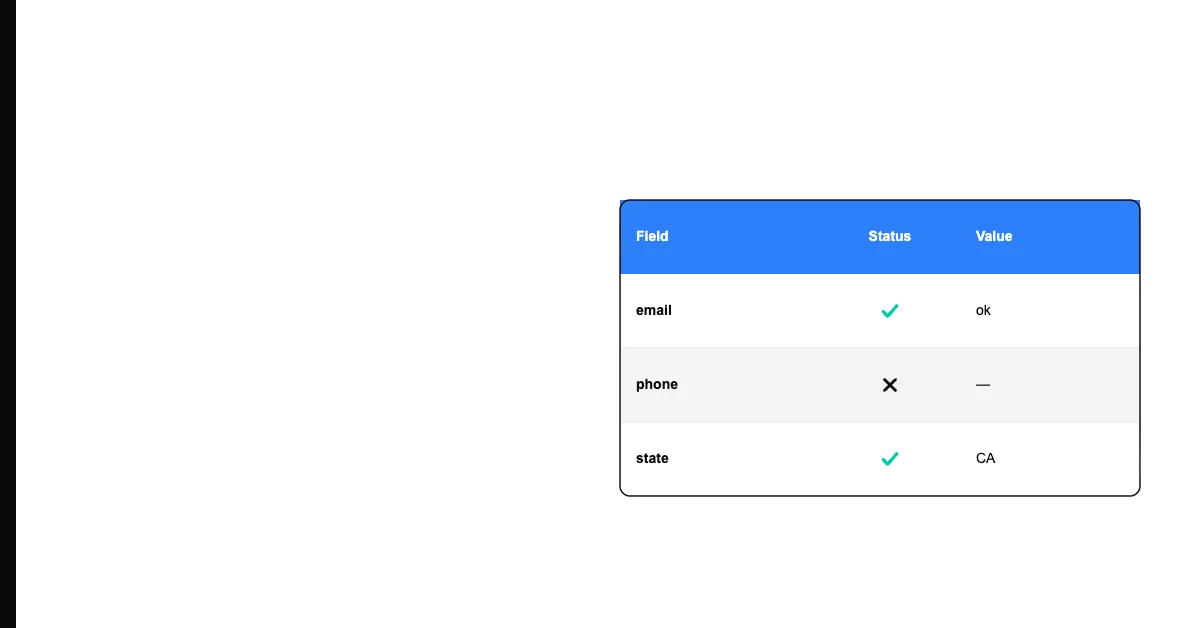
Sohovi lets you set up validation rules for any column and instantly see which rows fall outside them — no code or SQL required.
Workflows for Data Standardization: HubSpot workflows can automatically standardize property values — converting "new york" to "New York" in the city field, stripping formatting from phone numbers, or assigning a lifecycle stage based on activity patterns.
Lists for Quality Monitoring: Build smart lists that filter for records with quality problems — "Contacts without email," "Contacts with no activity in 12 months," "Companies without associated contacts." These act as ongoing quality monitors.
Practical Data Quality Maintenance in HubSpot
Run the duplicate contacts tool regularly. HubSpot's native dedup tool (Settings → Data Management → Duplicates) surfaces high-confidence matches. Review and merge on a monthly basis. For high-volume portals, this should be part of your standard monthly operations.
Sohovi automatically finds every duplicate in your dataset — including near-matches — and shows you exactly which rows are affected.
Audit your highest-null-rate properties. Pull a contact list filtered by key segmentation properties and check how many contacts have null values. Email, phone, company, and lifecycle stage are the most commonly needed — and most commonly missing — properties.
Review form submissions. HubSpot shows you when a form submission matches an existing contact. Configure your forms to update existing records rather than create duplicates where possible.
Check your contact sources. HubSpot tracks how each contact was created. Review contacts created by "Imported" or "API" sources for the highest quality risk — these are where validation is least likely to have been applied.
Frequently Asked Questions
Q: How do I find and merge duplicate contacts in HubSpot? Navigate to Contacts → Actions → Manage Duplicates. HubSpot surfaces potential duplicates based on email address, name, and phone similarity. Review each pair and choose which record to keep as the primary, then merge. For bulk deduplication, HubSpot's native tool handles the highest-confidence matches; third-party tools like Insycle handle more complex dedup.
Q: How do I make properties required in HubSpot? Go to Settings → Data Management → Properties, find the property you want to make required, click edit, and enable "Required." You can make properties required globally or only when creating records through specific forms or manually.
Q: Can HubSpot validate email format? Basic email format validation happens automatically — HubSpot won't accept an email without "@" and a domain. For more rigorous validation (checking that the domain has MX records, detecting disposable email providers), you need a third-party integration.
Q: How do HubSpot workflows help with data standardization? Workflows can trigger property updates based on existing property values. A workflow that runs when "City" is set can normalize capitalization, strip extra spaces, or map known variants ("NYC" → "New York City"). While not as powerful as dedicated ETL tools, HubSpot workflows handle many common standardization use cases.
Q: What causes the most duplicate contacts in HubSpot? Multiple form submissions from the same person using slightly different email addresses, list imports without checking for existing records, and integrations that create new contacts rather than updating existing ones. Configure form submissions to update existing records by email and run deduplication after any significant import.
Q: How do I monitor data quality in HubSpot without a paid add-on? Build smart lists for quality monitoring: "Contacts without email," "Contacts without company," "Contacts with no recent activity," "Deals without close date." Review these lists monthly and use them to prioritize cleanup efforts.
Q: What is the best practice for importing contacts into HubSpot? Before importing, run the import file through email validation and deduplication against your existing contact export. In the HubSpot import flow, choose "Update existing contacts" rather than creating duplicates. Map all available columns to HubSpot properties.
Q: How do I clean up old or stale contacts in HubSpot? Filter contacts by "Last Activity Date" greater than 12 or 18 months ago. Review the filtered list and decide: run a re-engagement campaign to re-engage or confirm opt-out, update records that can be verified as still current, and suppress or delete records that are definitively gone.
Q: What third-party tools improve HubSpot data quality? Insycle for advanced deduplication and data management, Validity (formerly Demand Tools) for list hygiene, and enrichment tools like Clearbit and ZoomInfo that integrate directly with HubSpot to update stale contact data.
Q: What is the most impactful data quality improvement for a HubSpot user to make first? Enable duplicate detection and run a deduplication pass on your contact and company databases. Duplicate records are the most widespread quality problem in most HubSpot portals and have the most immediate impact on marketing, sales, and reporting accuracy.
HubSpot's ease of use creates data quality risks without active management. Use native dedup tools, required properties, and quality monitoring lists to keep your portal clean.