A data quality standard is a documented definition of what acceptable data looks like for a specific dataset or field. It's the difference between telling your team "enter data correctly" (vague) and "company names must be the full legal entity name, no abbreviations, formatted in title case" (actionable).
Without a standard, everyone applies their own definition of "correct." With a standard, quality is measurable and enforceable.
In this guide
- What a data quality standard includes
- How to write standards that are specific enough to be useful
- Common fields and their standard definitions
- How to roll out and enforce standards with your team
What a Data Quality Standard Is (And Isn't)
A standard is NOT a policy document nobody reads. It's NOT a list of general principles like "data should be accurate and complete."
A standard IS a specific, measurable definition of acceptable values for each field your team manages. It answers: what must be present, what format is required, what values are acceptable, and what constitutes a violation.
A good standard can be turned directly into a validation check. If you can't write a query or configure a field rule based on your standard, it's not specific enough.
Sohovi lets you set up validation rules for any column and instantly see which rows fall outside them — no code or SQL required.
Step 1: Identify Which Fields Need Standards
Start with the fields that cause the most downstream problems when they're wrong or missing. Ask your team:
- Which fields do reports depend on most?
- Which fields cause confusion when they're inconsistent?
- Which fields are used in communications, shipments, or billing where errors have direct costs?
- Which fields are required by downstream systems (data warehouse, marketing platform, support tool)?
For most teams, the critical fields include: name (person or company), email address, phone number, address, date fields (created date, close date, birth date), status fields, and any primary or foreign key identifiers.
Step 2: Write the Standard for Each Field
For each critical field, document:
1. Is it required? State clearly: this field is required for all active records / this field is required when status = "closed" / this field is optional but recommended.
2. What format is expected?
- Email: must be a syntactically valid email format (user@domain.tld). No role addresses (info@, noreply@) for individual contacts.
- Phone: E.164 international format (+1XXXXXXXXXX) for all records with international contacts. 10-digit format for US-only records.
- Date: ISO 8601 (YYYY-MM-DD). No ambiguous formats like "1/2/23" which could be January 2 or February 1.
- Company name: Full legal entity name, title case, no abbreviations (Inc. is acceptable, Int'l is not).
3. What values are explicitly NOT acceptable? List placeholder values, common shortcuts, and error values that must not be used:
- Phone: 555-555-5555, 000-000-0000, 1111111111 are not acceptable
- Email: test@test.com, noemail@, user@mailinator.com are not acceptable
- Name: "Test", "Unknown", "AAAA", "N/A" are not acceptable for active records
4. What's the acceptable null rate? For required fields: 0% (or define exceptions). For important-but-not-required fields: define a threshold (no more than 10% of active records may have this field empty).
Sohovi tracks quality trends across runs and alerts you when a metric — null rate, duplicate count, score — moves outside its normal range.
5. Cross-field consistency rules Some fields have relationships to other fields: ship_date must be after order_date; close_date must be after create_date; if status = "closed won," close_value must be populated.
Example Standard: Customer Contact Record
| Field | Required? | Format | Not Acceptable | Null Rate Target | |---|---|---|---|---| | First Name | Required | Title case, alphabetic | "Test", "N/A", numbers | 0% | | Last Name | Required | Title case, alphabetic | "Unknown", symbols | 0% | | Email | Required | valid format, no role addresses | test@test.com, info@ | 0% | | Phone | Recommended | E.164 format | 555-555-5555, 0000000000 | < 15% | | Company | Recommended for B2B | Full legal name, title case | "Self", "Freelance" (use industry instead) | < 20% | | Status | Required | Picklist: Active / Inactive / Prospect | Free text | 0% | | Created Date | Required | ISO 8601 | Future dates, blank | 0% |
Step 3: Get Input From the People Who Enter the Data
The people who enter data daily know the edge cases you don't. Before finalizing standards:
- Review the draft with your data entry team and ask: is anything unclear? Are there common scenarios this doesn't cover?
- Review with downstream consumers: does this standard produce data in the format you actually need?
- Identify the cases where the standard seems too strict — and decide deliberately whether to relax it or hold the line
Standards built without input from producers and consumers are often impractical. Getting input once at the start is far easier than overriding resistance after rollout.
Step 4: Build Standards Into Your Systems
A standard that exists only in a document will be forgotten. Build it into your systems:
- Set required fields at the system level — don't leave it to individuals to remember to fill them in
- Use dropdown menus (picklists) for fields with defined acceptable values — eliminate free-text where possible
- Add format validation where your system supports it (email validation, date pickers, phone format masks)
- Use duplicate detection rules for entity tables where uniqueness is required
Sohovi automatically finds every duplicate in your dataset — including near-matches — and shows you exactly which rows are affected.
Tools like Sohovi can run regular checks against your standards automatically — upload your CRM export or contact list and immediately see which records violate your defined rules, before they affect downstream processes.
Step 5: Communicate and Train
Standards that people don't know about don't get followed. Communicate:
- Why the standards exist — what breaks when data doesn't meet them
- Where to find the standards — one accessible location, not buried in a policy folder
- What to do when a situation isn't covered by the standard — who to ask
- What the consequences are of consistent non-compliance (not punitive, but clear)
A 20-minute training session for existing team members and a one-page reference document for new hires is usually sufficient. The standard itself should be short enough to be read in five minutes — not a 30-page policy manual.
Step 6: Measure Compliance and Improve
Once standards are defined, measure whether records meet them. Run regular quality checks against each standard:
- How many active records have a null email? (vs. 0% target)
- How many records have a phone number matching a placeholder pattern? (vs. 0% target)
- How many records have a status value that isn't on the picklist? (catches records imported or migrated from other systems)
When compliance falls short, investigate before enforcing. Often the cause is a system gap (the field isn't required when it should be) or an unclear standard (the edge case wasn't covered). Fix the root cause, not just the individual records.
Frequently Asked Questions
Q: How specific should a data quality standard be? Specific enough that compliance or non-compliance is objectively determinable. "Email addresses should be valid" is too vague. "Email addresses must match RFC 5322 format, have a null rate below 5% for active contacts, and not include role-based addresses (info@, noreply@)" is a standard.
Q: What's the difference between a data quality standard and a data definition? A data definition explains what a field means (what does "active customer" mean?). A data quality standard defines what acceptable values look like (format, required/optional, acceptable null rate). Both are needed — definitions clarify intent, standards define what "correct" looks like in practice.
Q: Should standards be the same across all teams and departments? Core standards (email format, phone format, date format) should be consistent across the organization. Dataset-specific standards (what's required in the Sales CRM vs. the Support tool) can differ based on use case. Consistency at the organizational level prevents cross-system integration problems.
Q: How do you handle legacy data that doesn't meet the new standards? Separate the questions: (1) what's the standard for new data going forward? (2) which legacy records are important enough to remediate? Don't let the existence of legacy violations prevent you from setting standards for new data. Remediate legacy records based on their business importance, not exhaustively.
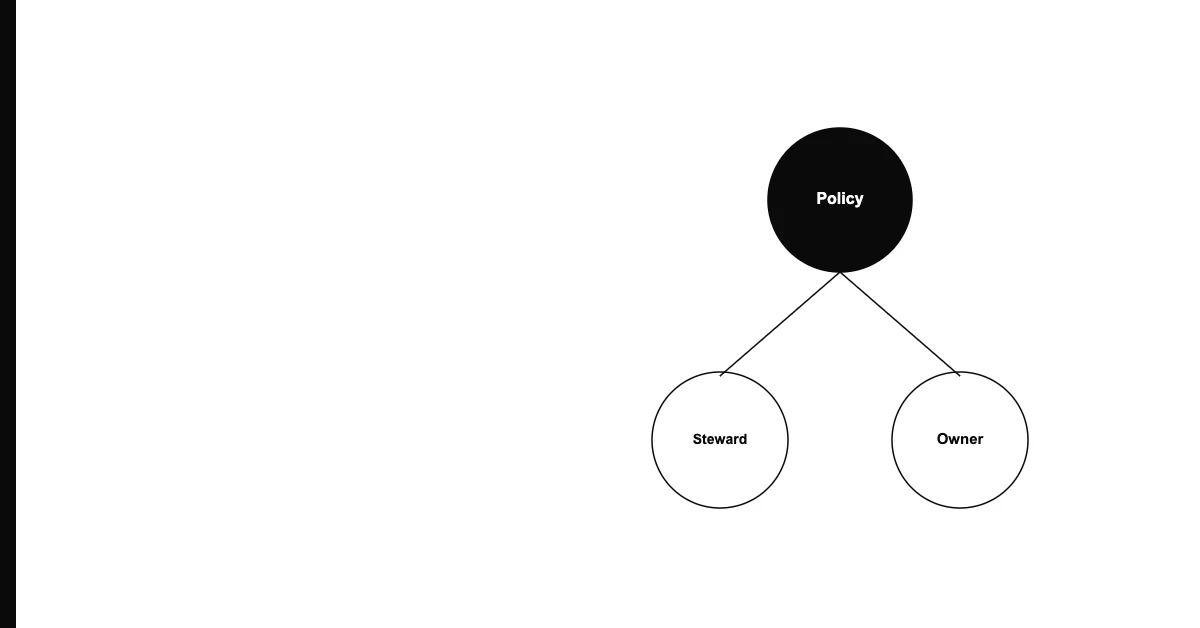
Q: Who should approve data quality standards? The data owner for the relevant domain should approve standards. For standards that affect multiple teams (shared customer records, for example), get approval from all affected owners. Standards that others will be held to should have their buy-in before rollout.
Q: How often should standards be updated? Review annually at minimum. Update whenever: a business definition changes (what constitutes an "active" customer), a new system is integrated that requires different formats, a new market or region is added with different conventions, or recurring violations reveal that a standard is unclear or unachievable.
Q: What do you do when a standard conflicts with what a vendor or partner system requires? Map the conflict explicitly. If your standard is "phone number in E.164 format" but your marketing platform requires 10-digit US format, define the transformation at the integration layer — store in E.164, convert on export. Don't change your internal standard to accommodate one downstream system.
Q: Can data quality standards apply to data that comes from external sources? Yes — define acceptance criteria for incoming data from external sources. If a vendor sends a contact list, check it against your standards before importing it. Reject or quarantine records that don't meet your standards rather than importing them and degrading your existing dataset.
Q: Should every field have a quality standard? No. Focus standards on fields that matter — required by downstream systems, used in reports and decisions, or historically prone to quality issues. Over-standardizing every optional field creates maintenance burden and alert fatigue without proportionate benefit.
Q: What's the most common reason data quality standards fail? They exist in a document but aren't enforced in the systems. A standard that lives only in a policy folder and isn't reflected in required field configuration, validation rules, or regular quality checks will be ignored within months. Build standards into the systems; don't rely on individual compliance.
If you want to measure whether your current data meets your standards, Sohovi can profile any CSV in minutes — showing null rates, format violations, and duplicate counts against the rules that matter. Try it free at sohovi.com — no code required.