Manual data entry is where most data quality problems begin. Not from laziness or carelessness, but from predictable human error patterns that repeat across every team and every dataset. The good news: because the errors are predictable, they can be caught systematically.
The Most Common Data Entry Errors
Transposition errors: Digits or letters entered in the wrong order. "jhnos@gmail.com" instead of "johns@gmail.com". Phone number "5558376309" instead of "5558675309". These are hard to spot visually because they look plausible.
Wrong field entry: Entering data in the wrong field — putting an email address in the phone field, entering a city in the state field, or pasting a full address into the zip code field.
Truncated values: Values cut off at a character limit — a company name entered as "International Business Ma" instead of "International Business Machines" because the field had a 25-character limit.
Placeholder values: Test entries and placeholders that never got replaced — "test@test.com", "John Doe", "555-555-5555", "123 Main St", "N/A".
Sohovi profiles your datasets for quality issues in minutes — see what's broken before it breaks your pipeline — try Sohovi free.
Copy-paste artifacts: Extra spaces, invisible characters, or formatting carried over from a source document — " John Smith " with leading and trailing spaces, or "John·Smith" with a non-breaking space.
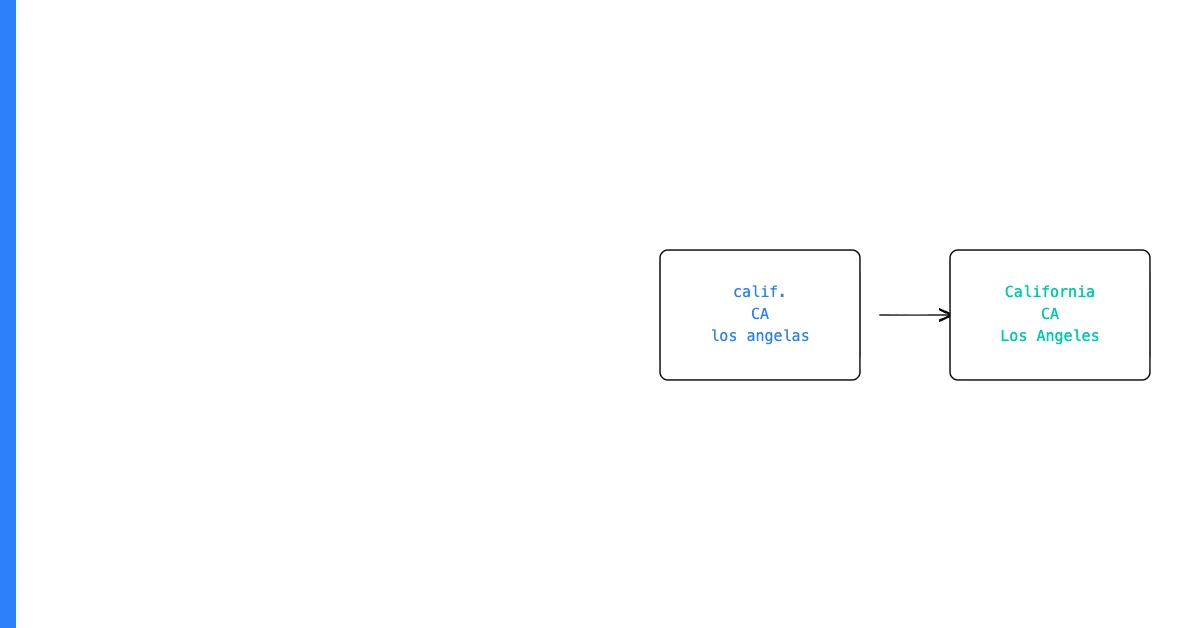
Autocorrect errors: Mobile or browser autocorrect changing technical terms, proper nouns, or specialized formats.
How to Catch Each Type Automatically
Transposition errors in emails: An email validation check catches many transpositions because the result isn't a valid email format. More subtle transpositions (wrong letter order in the local part) require manual review.
Sohovi lets you set up validation rules for any column and instantly see which rows fall outside them — no code or SQL required.
Wrong field entry: Check that field values match the expected type and format. An email address in the phone field will fail phone number validation. A numeric value in a name field will fail text validation.
Truncated values: Check for values that end at a round character count (25, 50, 100, 255). Values that all end at exactly the same length are suspicious.
Placeholder values: Scan for known placeholder strings ("test", "fake", "N/A", "unknown", "123 Main", "555-555") in your data. A profile showing these as top values is a red flag.
Copy-paste artifacts: Trim leading and trailing whitespace. Check character encoding for non-standard characters.
Sohovi automatically detects many of these patterns — flagging placeholder-like values, format mismatches, and suspicious value patterns — when you profile a CSV.
Building automatic entry validation (required fields, format masks, constrained values) prevents these errors before they occur. Automated profiling catches them in existing data before they cause downstream problems.