You've merged data from three different systems into a single CSV. The "status" column has values like "Active", "active", "ACTIVE", "Yes", "1", and "enabled" — all meaning the same thing. The "country" column has "US", "USA", "United States", "United States of America", and "U.S." You need to analyze the data but can't because the same facts are represented in 6 different ways.
CSV inconsistency is the most common data quality problem in everyday business data. Here's where it comes from and how to fix it.
Why CSV Data Becomes Inconsistent
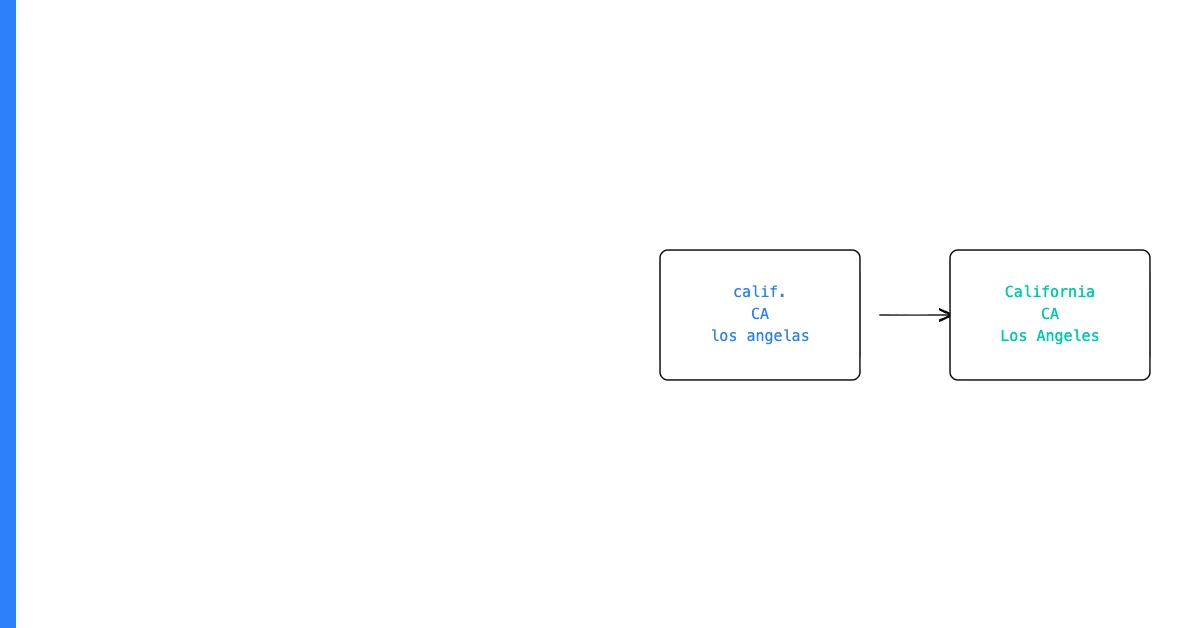
Multiple contributors — When more than one person enters data, they develop different habits. One person types "California", another types "CA", another copies from a different source with "Calif."
Multiple source systems — Data exported from different tools (CRM, billing system, marketing platform) follows each tool's own conventions. Merged together without normalization, the result is inconsistent.
Sohovi finds gaps, duplicates, and format errors in your CRM data — so your team is working from records they can trust.
Evolving standards — What was standard two years ago (entering company revenue in thousands) may differ from current practice (entering in actual values). Old records follow the old standard; new records follow the new one.
Manual entry without constraints — Free-text fields accept anything. Without a controlled list of allowed values, each person enters what seems reasonable to them.
How to Find Inconsistencies
Value distribution analysis: Sort each categorical column and count distinct values. A "country" column with 30 distinct values when you expected 5 is inconsistent.
Case analysis: Use uppercase conversion to identify case-only differences. "Active" and "active" become the same value and reveal duplicates.
Sohovi automatically finds every duplicate in your dataset — including near-matches — and shows you exactly which rows are affected.
Character length analysis: Inconsistent field lengths in fields that should be fixed-length (zip codes, phone numbers) indicate format inconsistency.
Sohovi shows you distinct value counts and top values for every column in your CSV — making inconsistency immediately visible without manual analysis.
How to Fix Inconsistencies
Normalize in Excel: Use TRIM (removes extra spaces), LOWER or UPPER (normalizes case), and Find/Replace (replaces variants with the standard value).
Build a lookup table: For complex categorical fields with many variants, create a two-column table mapping each variant to its standardized form. Use VLOOKUP or XLOOKUP to apply the mapping.
Fix at the source for new data: Add controlled vocabulary (dropdown lists, constrained fields) to the tools where data is entered, so future data enters consistently.
Cleaning existing inconsistencies is a one-time effort. Preventing new ones is a process change. Do both.