A new vendor delivers a file with 50,000 prospect records. They claim it's clean, accurate, and ready to use. You've heard that before. Here's how to audit it before importing or using it — because when things go wrong with vendor data, the problem shows up in your systems, not theirs.
Why Vendor Data Needs Auditing
You don't control how vendor data was collected, validated, or maintained. Even reputable vendors provide files with:
- Email bounce rates of 10–20% on lists that were "last cleaned six months ago" — because email addresses decay at 20–25% per year
- Duplicate records from their own database that inflate the row count
- Stale contact information for companies and individuals who've changed roles, companies, or contact details
- PII you didn't ask for included in columns the vendor didn't flag
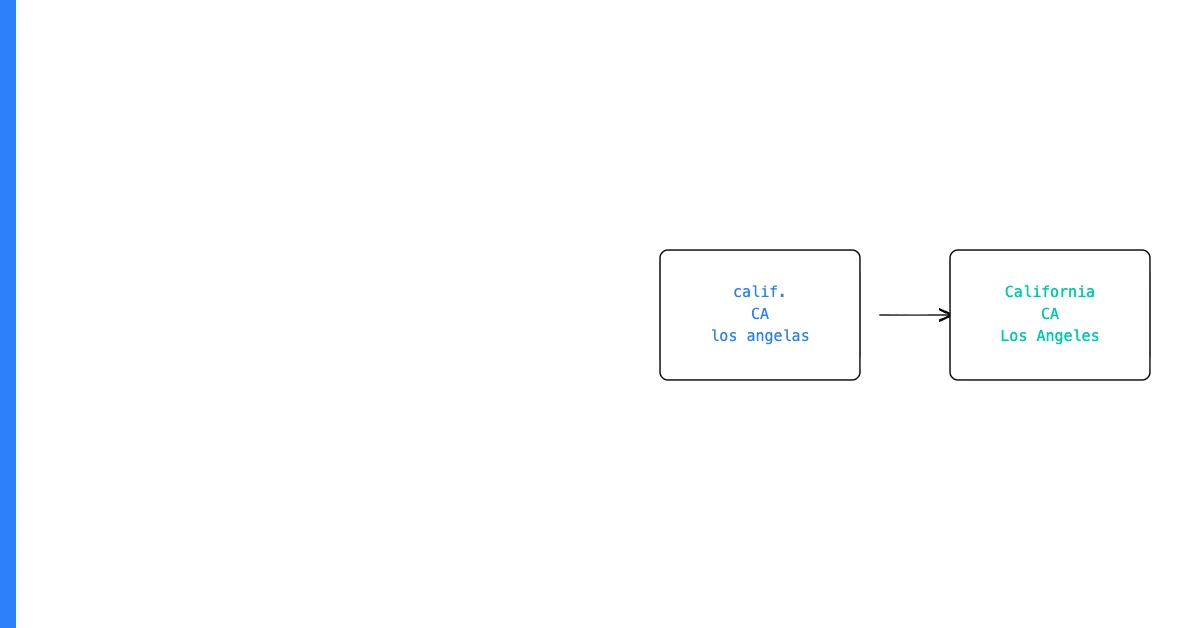
- Format inconsistencies from their data collection process
Sohovi automatically finds every duplicate in your dataset — including near-matches — and shows you exactly which rows are affected.
The fact that a vendor provided a file doesn't mean the file is ready to use.
The Vendor Data Audit Checklist
1. Verify row and column counts Does the file contain the number of records promised? Too few or too many is a red flag.
2. Check completeness on promised fields If the vendor promised email, name, company, and phone for each record, verify completeness on all four. A list "with 50,000 records" where 35% have no email is not what was promised.
Sohovi profiles every column in your dataset for completeness and flags the exact rows where values are missing — free to try.
3. Validate the email column Run format validation and check for obvious invalid patterns (no @, no domain, etc.). Check for known disposable email domains. Calculate the expected bounce rate.
4. Check for duplicates within the file Vendors who aggregate from multiple sources often have internal duplicates. Check for exact and near-duplicate email addresses.
5. Check for duplicates against your existing database How many records in the vendor file already exist in your system? A high overlap reduces the effective size of the delivery.
6. Scan for PII Check all columns for personal data beyond what was specified in the contract. Unexpected PII creates compliance obligations.
7. Verify format consistency on key fields Are phone numbers in a consistent format? Are dates consistent? Are categorical fields using your expected values or the vendor's own categories?
8. Spot-check 20–30 records manually Automated checks catch systematic problems. Manual spot-checks catch unexpected issues — records that look plausible individually but reveal systematic quality problems.
Sohovi handles steps 1–7 automatically for any CSV you upload — producing a complete vendor audit in seconds.
Document your findings. If the file has significant quality issues, raise them with the vendor before accepting it. Your leverage is much higher before import than after.