When people say "our data isn't accurate," they usually mean it in a broad sense — the data isn't right. But accuracy in data quality has a specific meaning, and understanding how it relates to the other dimensions helps you diagnose the real problem and fix the right thing.
Accurate data closely reflects the real-world entity it represents. An accurate customer record has the right name, correct contact information, and true organizational details for that specific person. An accurate product record reflects the actual product specifications, not an outdated version from a previous design iteration.
The Four Factors That Determine Accuracy
1. Correct data at entry — Accurate data starts with accurate capture. Typos, transpositions, and incorrect lookups introduce errors at the moment of entry. Form validation and lookups (autocomplete from verified sources) prevent many entry errors.
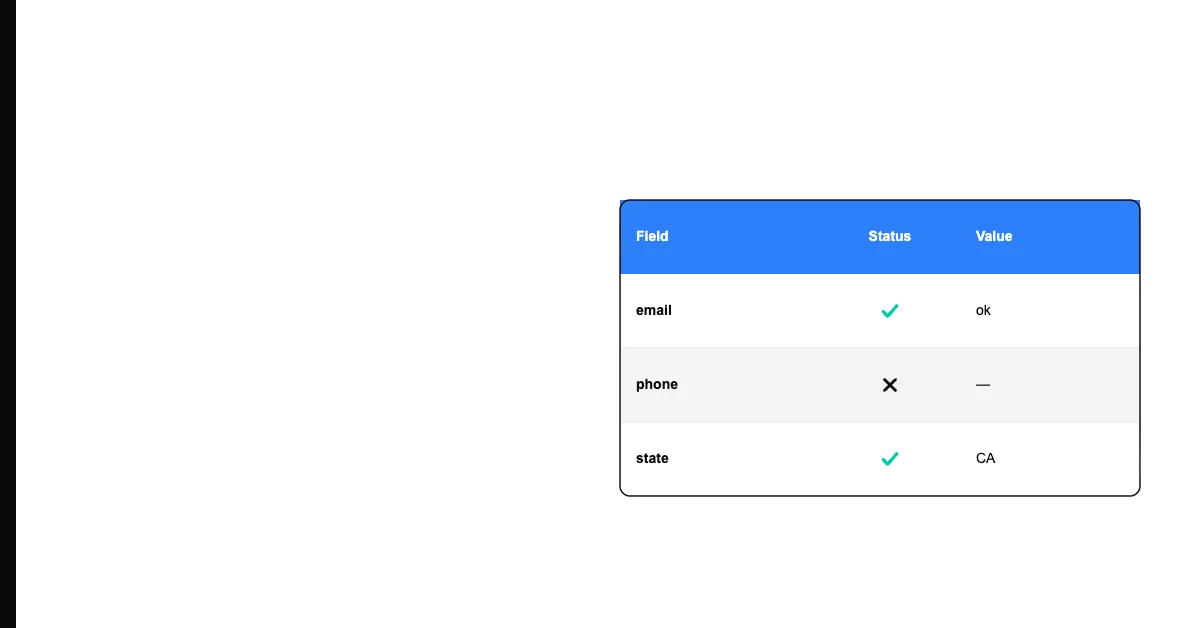
Sohovi lets you set up validation rules for any column and instantly see which rows fall outside them — no code or SQL required.
2. Freshness over time — Accurate data at capture becomes inaccurate as the real world changes. A customer's phone number, email address, and company affiliation can all change within a year. Data that was accurate 18 months ago may not be accurate today.
3. Correct transformation — Data manipulated through calculations, imports, or ETL processes can lose accuracy through rounding, truncation, encoding errors, or incorrect mapping logic.
4. Verified against reality — The gold standard for accuracy is comparison against an authoritative source. Email verification services check whether an address actually exists. Address verification compares against postal databases. Without ground-truth comparison, accuracy is inferred, not confirmed.
Sohovi scores your dataset against your own accuracy standards and highlights the columns and rows where values fall outside expected ranges.
How Accuracy Relates to Other Dimensions
Accuracy failures are often confused with other data quality problems:
- A valid email format doesn't guarantee an accurate email (it just means it looks right)
- A complete record (no empty fields) can still be inaccurate (all fields populated with wrong values)
- A consistent value across systems isn't necessarily accurate — consistently wrong is still wrong
True accuracy requires not just valid, complete, and consistent data — but data that has been verified against reality.
Practical Steps to Improve Accuracy
For new data, implement validation at entry: email format checks, address autocomplete, phone number formatting, and lookup tables for categorical fields.
For existing data, prioritize by impact. Which inaccuracies cause the most downstream harm? Bad email addresses hurt deliverability. Wrong company sizes hurt segmentation. Wrong financial figures hurt reporting. Fix the highest-impact inaccuracies first.
Sohovi can surface format violations and statistical anomalies that indicate likely inaccuracies — giving you a starting point for manual review and correction.