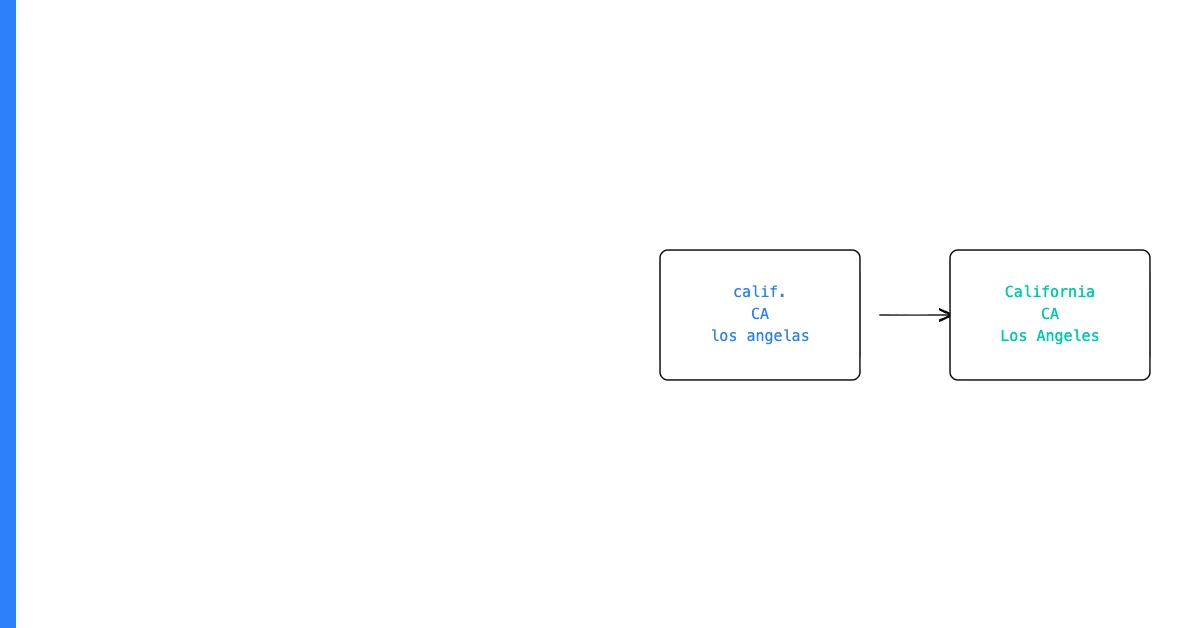
Data validation is the process of checking that data values meet defined criteria before they're accepted, used, or passed to a downstream system — ensuring that only accurately formatted data enters your workflows.
Without validation, bad data enters freely: emails without "@" symbols, impossible dates, numeric prices stored as text, status codes that don't exist in your approved list. Validation is the gate that catches these problems at entry rather than after they've caused damage.
The Five Core Types of Data Validation
1. Format validation checks whether a value follows a required structure. An email must contain "@" and a domain. A phone number must contain only digits and standard punctuation.
Sohovi lets you set up validation rules for any column and instantly see which rows fall outside them — no code or SQL required.
2. Range validation checks whether a numeric or date value falls within an acceptable range. A percentage must be between 0 and 100. A hire date must be after 1970 and before today.
3. Enumeration (enum) validation checks whether a value belongs to a defined set of allowed options. A status field must be one of: Active, Inactive, Pending.
4. Completeness validation checks whether required fields have values. An email campaign contact must have a non-null email.
Sohovi profiles every column in your dataset for completeness and flags the exact rows where values are missing — free to try.
5. Cross-field validation checks whether related fields are consistent with each other. If subscription_status is "Cancelled," a cancellation_date must be present.
Where to Apply Validation
At data entry: Form-level validation prevents users from submitting records with missing or wrong values — the cheapest place to catch errors.
At import: Pre-import validation checks an entire file before it's loaded, flagging records that would violate rules.
In the data pipeline: dbt tests and similar tools run validation checks on transformed data before it reaches reporting consumers.
Validation vs. Cleansing
Validation identifies problems. Cleansing fixes them. These are two different operations in sequence — validate first to understand the scope, then cleanse to address it.
Sohovi lets you apply custom validation rules to any CSV file and see which records fail — no code, no setup, your data never leaves your browser.
Frequently Asked Questions
Q: What is the difference between data validation and data verification? Data validation checks that values conform to defined rules and formats. Data verification checks that data is accurate — that it reflects reality. Validation is structural; verification requires a ground truth to compare against.
Q: Where should data validation be applied? Ideally at the earliest possible point: at data entry forms, at import boundaries, and at pipeline ingestion points. The earlier you validate, the cheaper the fix. A validation failure at entry costs seconds to correct; the same error found in a published report costs hours.
Q: What is client-side vs. server-side validation? Client-side validation runs in the browser before the form is submitted — it provides immediate feedback but can be bypassed. Server-side validation runs on the backend after submission — it's the authoritative check. Both should be used together.
Q: Can data validation rules be applied to existing datasets, not just new entries? Yes. Batch validation applies rules to an existing dataset and flags records that fail, rather than preventing them from entering. This is the standard approach when auditing an inherited or imported dataset.
Q: What happens to records that fail validation? They can be rejected, flagged for review, quarantined, or auto-corrected for simple deterministic errors. The right response depends on the severity of the failure and the context.
Q: How do you write a data validation rule? Define four things: the field the rule applies to, the condition that constitutes a valid value, the failure condition, and what happens when a record fails.
Q: What's the difference between validation rules and business rules? All business rules are validation rules, but not all validation rules are business rules. Format validation (an email must contain "@") is universal. A business rule is context-specific (if the customer is in the EU, the VAT field must be populated).
Q: How many validation rules does a typical dataset need? Most small business datasets benefit from 5–20 rules covering their most critical fields. Start with one rule per critical field that, if wrong, would cause the most damage.
Q: Can validation rules be automated? Yes. Validation rules can be applied automatically at data entry, at import, or as scheduled checks on a dataset. The most effective setups run validation automatically on every new data batch.
Q: What is schema validation? Schema validation checks that a dataset has the expected structure — the correct number of columns, the correct column names, and the correct data types. It's the structural layer that should always run before field-level rule checks.
Data validation is the most cost-effective data quality investment available — catching problems at the source costs a fraction of finding them downstream.
If you're ready to apply validation rules to your most important dataset, Sohovi's rule builder lets you define and run checks on any CSV in minutes — no code, no IT team required.