Someone asks you to "audit the data" before a migration. Someone else says you need to "profile the data" first. You've heard both terms, they seem to mean similar things, and now you're not sure which one you're actually doing. Here's the distinction.
Data Profiling: Discovery
Data profiling is the process of analyzing a dataset to understand its current state — what's in it, how complete it is, what formats are used, and whether there are quality issues. Profiling is primarily about discovery. You're learning what the data looks like before making any decisions about it.
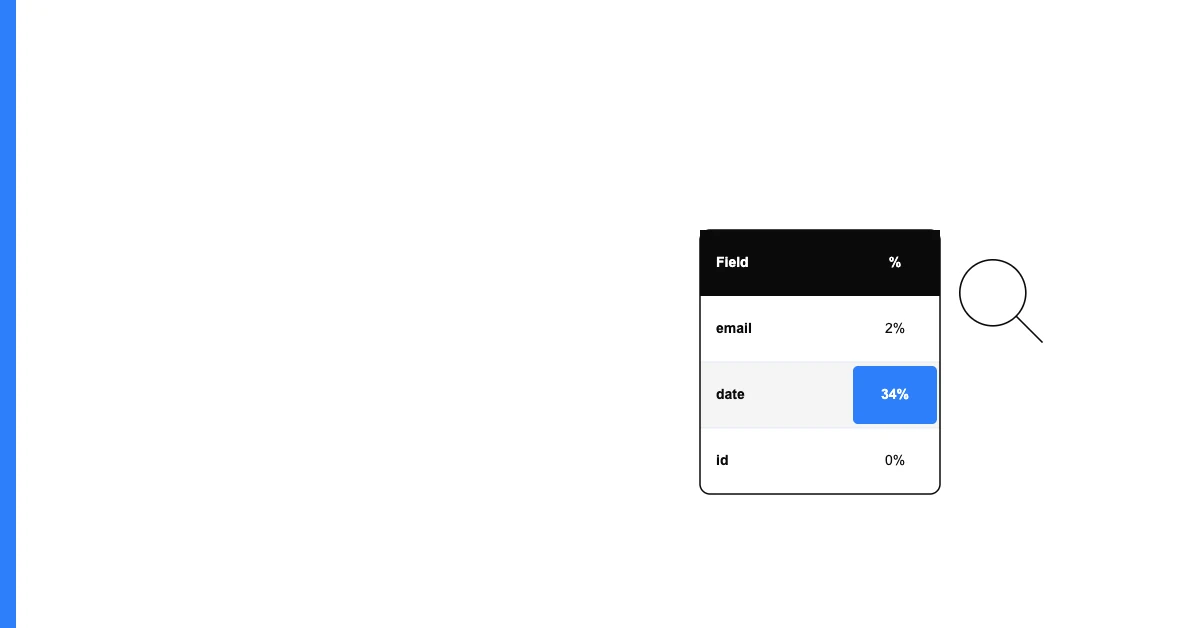
A profile produces: completeness rates, uniqueness scores, value distributions, format patterns, data type information, and PII flags. It answers: "What is the current state of this data?"
Sohovi profiles every column in your dataset for completeness and flags the exact rows where values are missing — free to try.
Profiling is typically the first step — done before you know what problems exist.
Data Auditing: Evaluation
A data audit is a structured assessment that evaluates whether data meets specific standards, rules, or requirements. Auditing goes beyond describing what's there to judging whether it's acceptable. An audit answers: "Does this data meet the required quality standards for its intended use?"
An audit produces: a pass/fail assessment against defined criteria, a list of non-compliant records, and recommendations for remediation. It often includes sampling and manual review alongside automated checks.
Sohovi applies your data quality rules automatically across the whole dataset and highlights every violation — so nothing slips through.
Auditing typically happens after profiling — once you know what's in the data, you evaluate it against what it should be.
How They Work Together
The typical sequence is:
- Profile the dataset to understand its current state (completeness rates, distributions, format patterns)
- Define standards based on what you learned and what the use case requires
- Audit the dataset against those standards (what percentage meets the completeness threshold? how many records fail validation rules?)
- Remediate based on audit findings
- Re-profile to confirm improvement
Skipping profiling and going straight to audit means defining standards without knowing what you're working with — a common reason audits produce useless results.
When to Use Each
Use profiling when:
- You're encountering a dataset for the first time
- You're preparing for a data migration and need to understand what you're moving
- You want a quick health check before using data for a campaign or analysis
Use auditing when:
- You need to verify data meets specific standards before a regulatory submission
- You're doing due diligence on a data acquisition
- You need documented evidence of data quality for compliance
Sohovi performs automated profiling — giving you the discovery layer. The audit layer is built on top of what profiling reveals. Start with the profile; the audit follows naturally from what you find.